Last Updated on September 17, 2026
A slow website costs UK businesses money every single day. Website speed UK businesses ignore affects everything: bounce rates, conversions, search rankings, and customer trust. Here is how to fix it.
Most UK business owners do not know their site is slow. They test it on their office Wi-Fi, it loads in two seconds, and they assume it is fine. But their customers are loading it on a 4G phone connection while standing in a queue, and it takes six seconds. By second three, they have already left.
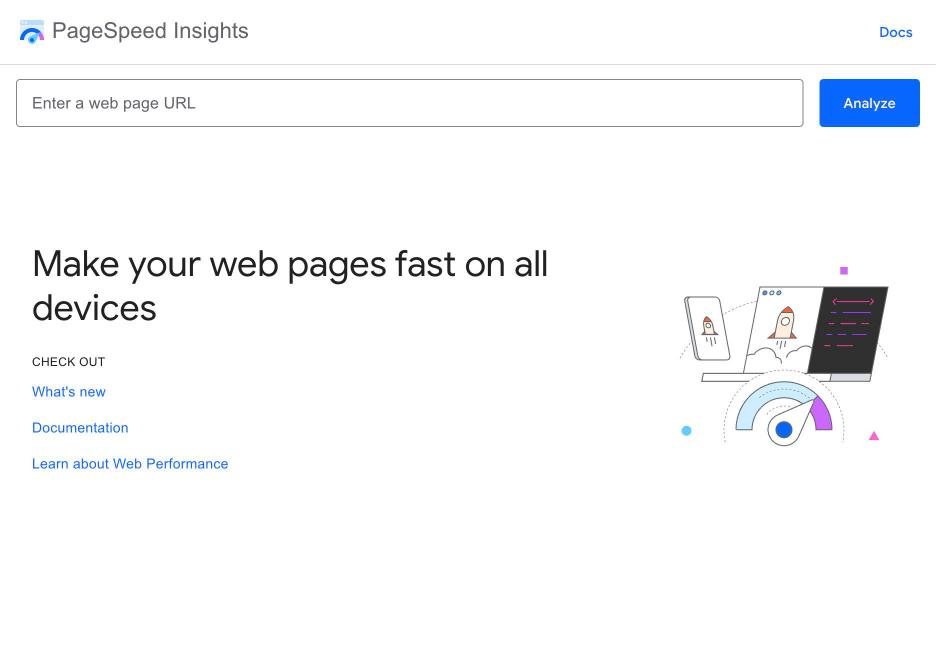
Note: Test your website speed right now at Google PageSpeed Insights (pagespeed.web.dev). Enter your URL and check the mobile score. If your mobile performance score is below 50, your site is costing you enquiries. Below 30, it is a serious problem that needs fixing before investing in any other marketing.
How website speed UK rankings and conversions
| Load Time | Impact on Bounce Rate | Impact on Conversions |
|---|---|---|
| 1 – 2 seconds | Baseline (optimal) | Highest conversion rates |
| 2 – 3 seconds | Bounce increases 30% | Conversion drops 7% |
| 3 – 5 seconds | Bounce increases 90% | Conversion drops 20% |
| 5 – 10 seconds | Bounce increases 120%+ | Conversion drops 40%+ |
Google also uses page speed as a ranking factor. Slow sites rank lower, particularly on mobile searches. Since over 60% of UK web traffic is mobile, this matters commercially.
Research shows that website speed UK consumers expect means pages loading in under three seconds.
Common Causes of slow websites
Large, unoptimised images. The most common cause. A single uncompressed hero image can be 3-5MB. It should be under 200KB. Compress every image before uploading using tools like TinyPNG, ShortPixel, or your CMS’s built-in compression.
Cheap hosting. Budget shared hosting puts hundreds of websites on a single server. When any of them gets traffic, everyone slows down. Upgrading to quality hosting is often the single highest-impact change you can make.
Too many plugins. Each WordPress plugin adds code that loads on every page. Twenty plugins might add two to three seconds to your load time. Audit your plugins quarterly. Deactivate and delete anything you do not actively use.
No caching. Without caching, your server rebuilds every page from scratch for every visitor. A caching plugin or server-level caching serves pre-built pages, reducing load times dramatically. LiteSpeed Cache, WP Rocket, or your host’s built-in caching are all effective solutions.
Heavy themes and page builders. Some WordPress themes load large CSS and JavaScript files on every page, even if the features are not used. Lightweight themes like GeneratePress, Astra, or Kadence perform significantly better than bloated multipurpose themes.
Quick wins to improve speed
Compress all images. Install a caching plugin. Enable a CDN (content delivery network) like Cloudflare’s free tier. Minimise plugins. Upgrade hosting if you are on cheap shared hosting. Lazy-load images so they only load as users scroll to them. These changes can be implemented in an afternoon and often cut load times in half.
The bottom line
Want to know if AI recommends your business?
The Whito Visibility Check tests whether ChatGPT, Gemini, Copilot and Google AI recommend you, and gives you prioritised fixes. Free. No card, no obligation.
Take the free Visibility CheckSee how real UK businesses do this well
Our Stolen With Pride series breaks down smart marketing moves from real UK businesses. No theory, just practical ideas you can use. See how Surreal Cereal turned LinkedIn into a free marketing channel, how Bloom & Wild’s email opt-out built more loyalty than any campaign, and more.