Home Blog
W
Reviewed by Jacob Whitmore, Whito · Fact-checked for accuracy

Last Updated on April 7, 2026

Most UK Business Websites Are Built Backwards

Here’s a number that should concern you: 74% of UK businesses have a website. That sounds healthy. But dig into what those websites actually do, and the picture falls apart. Most sit there like digital wallpaper. They exist, they look presentable enough, and they generate close to nothing.

The reason is almost always the same. The owner started with “what should this look like?” instead of “what should this do?” A plumber’s site that looks polished but buries the phone number below the fold is decoration. A salon with gorgeous imagery but a broken booking link loses appointments every single day. A consultant’s site with a clever strapline but no clear next step leaves visitors guessing.

The best website for your business is the one that works first, looks good second, and launches fast enough that you’re not haemorrhaging money before a single visitor arrives.

This guide is built for UK business owners who want clarity, not confusion. We’ve compared seven website builders on the things that actually matter: real UK pricing, how quickly you can launch, what each platform genuinely does well, and which types of businesses they suit. No affiliate rankings dressed up as reviews. Just practical guidance.

The Real Cost of Getting This Wrong

Before we talk platforms, let’s talk money. Because the cost conversation around websites is broken.

The typical UK business faces three routes:

Route 1: Hire a freelance designer. Budget £800 to £3,000 for a simple 4-5 page site. Most straightforward builds land around £1,200 to £2,000. You’ll wait 4 to 12 weeks. You’ll get something that feels professional. You’ll also have a problem: when you need a change three months later, you’ll either pay for it or wait weeks again. Most freelancers take on so much work that revisions happen slowly.

Route 2: Hire an agency. Budget £3,000 to £15,000 minimum, often more. Timeline: 3 to 6 months if they’re not drowning in projects. You get strategy calls, wireframes, revisions, and a site that’s tailored to your business. What you also get is a bill that makes you sweat and a relationship that often goes cold after launch.

Route 3: Build it yourself using a website builder. Budget £0 to £500 for the first year. Launch in days, not months. Own the whole thing. Make changes whenever you want. The catch: you need to learn the platform, and the design choices available are often templates that 10,000 other businesses are also using.

Most UK businesses can’t justify Route 1 or Route 2. So they end up on Route 3, often choosing poorly because they didn’t know what to look for.

What We’re Comparing (And Why)

Website builders come in different flavours, and picking the wrong one wastes time and money. We’ve narrowed our comparison to seven platforms that actually work for UK businesses:

Wix, Squarespace, Weebly, GoDaddy Website Builder, Shopify (for ecommerce), WordPress.com (hosted), and DIY WordPress (self-hosted).

These aren’t the only options, but they cover the spectrum: drag-and-drop simplicity, ecommerce strength, creative flexibility, and full control. We’re skipping Jimdo and Strikingly because they’re less common for UK businesses.

For each platform, we’re looking at:

  • Real UK pricing, including VAT and renewal rates
  • Speed to launch (can you go live in under a week?)
  • Design flexibility (can you make it look unique?)
  • SEO capability (can Google actually find you?)
  • Support quality (when you’re stuck, can you get help?)
  • Scalability (what happens when you grow?)
  • Ease of use (can a non-technical person manage it?)

Let’s dig in.

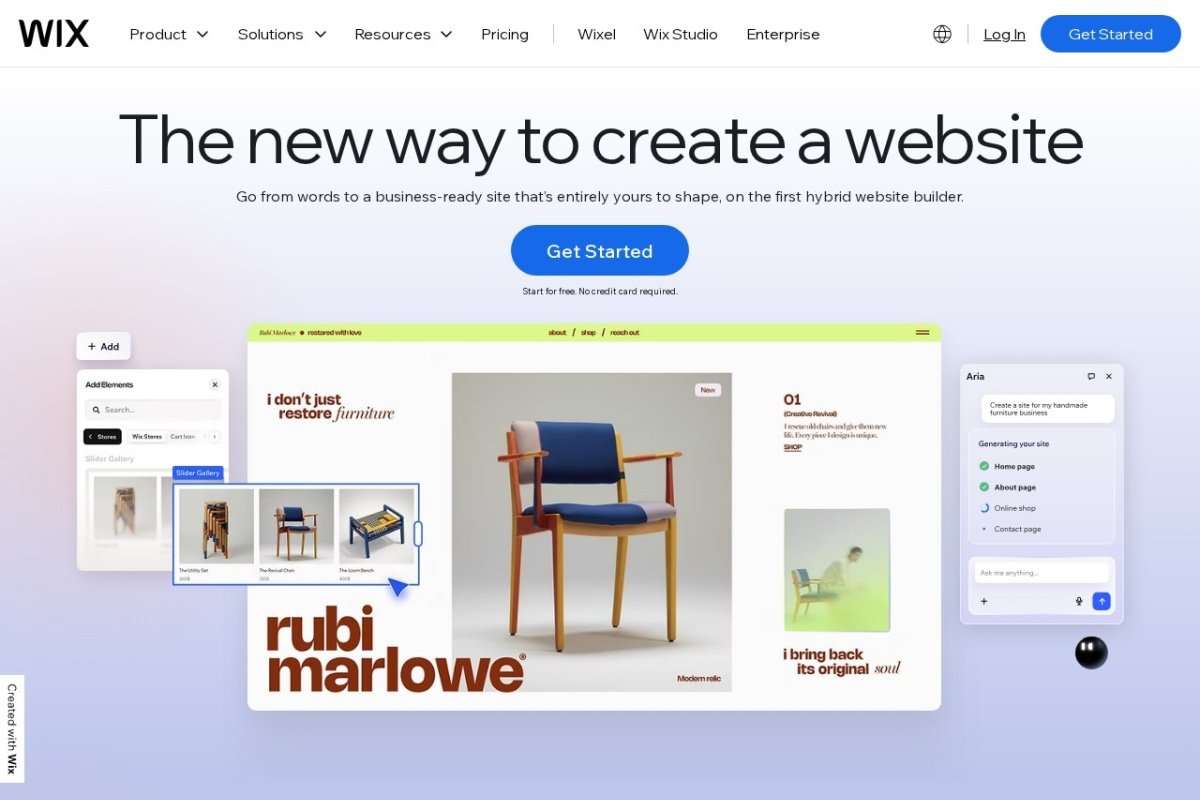
1. Wix

Price: Starter plan from £6.05/month (billed annually at £72.50). Combo plan from £12.25/month (£147). Business plan from £22.75/month (£273). UK prices include VAT.

What you get: Drag-and-drop editor, 750+ templates, unlimited pages, 3GB storage (Starter), 100GB storage (Combo and higher). No monthly transaction fees for Wix Stores. Wix ADI (artificial design intelligence) can auto-generate a site based on your business description, though results are mixed.

Best for: Creative businesses (photographers, designers, artists), service businesses, anyone wanting a fast launch with zero coding.

What works:

  • Dead simple to use. Drag a button, it’s on your site. Drag a gallery, it works. No learning curve.
  • Templates look professionally designed. You won’t look like a template.
  • Ecommerce is built in (though transaction fees apply for Wix Stores).
  • Mobile responsiveness is automatic.
  • SEO tools are basic but functional.

What doesn’t work:

  • Switching domains after launch is painful (you’ll rebuild from scratch or pay for migration).
  • Exporting your content is nearly impossible. You’re locked in.
  • Template ecosystem is closed. Limited flexibility if you outgrow the templates.
  • SEO ceiling is lower than WordPress. You can rank, but it’s harder than it should be.
  • Support is primarily chat-based. Phone support exists but is limited.

Real-world example: A hairdresser in Manchester uses Wix. Site took three days to build. Looks professional. Booking widget works. She gets 15 to 20 calls a month from the site. She’s happy. But she can’t add a loyalty programme feature she wants, and Wix support said it’s not available through their system. She’s starting to look at alternatives.

Verdict: Best for creatives and service businesses that want to launch fast and don’t need complex features. Poor choice if you need deep customisation or plan to scale significantly.

2. Squarespace

Price: Personal plan from £11/month (billed annually). Business plan from £19/month. ecommerce plan from £23/month. No setup fee. UK prices are approximate (Squarespace bills in USD, so prices fluctuate with exchange rates).

What you get: Drag-and-drop editor, 130+ professional templates, unlimited pages, unlimited bandwidth, integrated ecommerce, 24/7 email and chat support.

Best for: Creative businesses, ecommerce stores, anyone who wants Wix-like ease with a more design-forward feel.

What works:

  • Design templates are genuinely beautiful. The platform assumes good aesthetics.
  • Drag-and-drop is intuitive. Learning is quick.
  • Mobile editor is solid. You can manage your site from your phone.
  • SEO is better than Wix. Built-in site maps, SEO tools, structured data support.
  • ecommerce is strong. Payment gateway integration, inventory management, abandoned cart recovery.
  • Blogging platform is integrated and works well.

What doesn’t work:

  • Less template variety than Wix. 130 templates feels limiting if you want something truly unique.
  • Customisation requires CSS editing. Drag-and-drop has limits.
  • No built-in email marketing (you integrate Mailchimp or similar).
  • Blogging is functional but not as powerful as WordPress. SEO ceiling is still lower than self-hosted WordPress.
  • Data export is possible but cumbersome. You’re not as locked in as Wix, but it’s still effort.

Real-world example: A jeweller in London uses Squarespace. Her site is visually stunning. She sells 10 to 15 pieces per month through the site. She likes the simplicity. She dislikes the ecommerce transaction fees (2% on top of Stripe/PayPal fees) and is considering Shopify. She also can’t easily integrate advanced inventory features she needs.

Verdict: Best for design-conscious businesses and ecommerce stores. Better than Wix for SEO and aesthetics. Still lacks the flexibility and power of WordPress.

3. Weebly

Price: Free plan (ads, Weebly branding). Starter from £3.50/month (billed annually at £42). Professional from £7.50/month (£90). Business from £21.50/month (£258). Prices include VAT.

What you get: Drag-and-drop editor, 100+ templates, ecommerce, unlimited storage, email marketing tools, 24/7 support.

Best for: Budget-conscious businesses, anyone wanting a free option with the ability to upgrade.

What works:

  • Price is the biggest strength. You can get a professional-looking site for under £50/year if you commit to annual billing.
  • Drag-and-drop is simple. No coding required.
  • ecommerce is built in and functional. Payment processing is included.
  • Mobile-responsive. Automatically adapts to phones.
  • Email marketing tools are included, unlike Squarespace.

What doesn’t work:

  • Template quality is noticeably lower than Wix or Squarespace. Looks less polished.
  • Drag-and-drop has limits. Can’t do complex layouts without workarounds.
  • SEO tools are minimal. Less control over metadata, URLs, and structured data.
  • Performance is slower than competitors. Pages take longer to load.
  • Design feels dated. Templates haven’t been updated as frequently as competitors.
  • Support quality is inconsistent. Chat support can be slow.

Real-world example: A fitness coach in Bristol uses Weebly. She spent £50 for the year. Her site works, but it doesn’t look great. Her pages load slowly (she’s timed them at 4 to 5 seconds). She’s frustrated because she can’t make the design look the way she wants. She’s starting to consider switching to Wix.

Verdict: Best for absolute beginners and those with tiny budgets. Not recommended if you care about design, speed, or SEO.

4. GoDaddy Website Builder

Price: From £3.50/month for the first 12 months (usually £6.50/month after that). No setup fee.

What you get: Drag-and-drop editor, AI website builder (generates a site from a prompt), 100+ templates, ecommerce, SSL included, 24/7 phone support (a rarity), email marketing tools.

Best for: Business owners who want hand-holding and phone support, those preferring a builder with AI assistance.

What works:

  • 24/7 phone support is a genuine differentiator. When you’re stuck, you can call.
  • AI website builder is genuinely impressive. Answer a few questions and you get a fully functional site in minutes.
  • Price is competitive, especially in year one (renewal is higher).
  • Drag-and-drop is straightforward.
  • Built-in email marketing is useful.
  • ecommerce works, though performance depends on plan level.

What doesn’t work:

  • Renewal pricing is significantly higher. Year one is a bait price. Year two onwards, budget 2-3x more.
  • Design flexibility is limited. Templates feel generic.
  • SEO tools are basic. Less control than Squarespace or WordPress.
  • AI builder results require heavy customisation. It’s not as magical as GoDaddy’s marketing suggests.
  • Performance is slower than Wix or Squarespace. Pages load slower.
  • Support quality varies. Phone support exists but is sometimes slow to help with technical issues.

Real-world example: A plumber in Birmingham uses GoDaddy Website Builder. He loves the phone support. He’s called twice and got immediate help. His renewal is coming up and he’s shocked at the renewal cost (jumped from £42/year to £156/year). He’s considering switching but values the support enough to stay, at least for another year.

Verdict: Best for those who want phone support and don’t want to learn tech. Poor choice for long-term cost planning.

5. Shopify

Price: Basic plan from £23/month (billed annually). Shopify plan from £59/month. Advanced plan from £299/month. Plus Shopify charges transaction fees (0.9% plus 30p for UK card payments on the Basic plan).

What you get: Full ecommerce platform, unlimited products, built-in payment gateway, SSL, app marketplace (3,000+ integrations), 24/7 support.

Best for: E-commerce-focused businesses, those selling physical or digital products at volume, and businesses that will scale.

What works:

  • E-commerce is Shopify’s core strength. Product management, inventory, order management are all optimised.
  • Payment processing is built in and easy. Accept payments from day one.
  • Apps ecosystem is huge. Need abandoned cart recovery? There’s an app. Need subscription billing? There’s an app.
  • Scalability is genuine. Many UK businesses on Shopify are doing £100k+ per year in revenue.
  • SEO tools are solid. Structured data for products, sitemaps, URL control.
  • 24/7 support is dependable.
  • Themes are professional. You can pay for premium themes (£100 to £300 one-time) or use free themes.

What doesn’t work:

  • Transaction fees add up. 0.9% plus 30p per transaction. If you’re doing £10k/month in revenue, that’s £120 to £150/month in fees alone.
  • Base price is higher than Wix or Weebly. You’re paying for ecommerce strength you might not need if you’re not selling much.
  • Learning curve is steeper. Shopify is more powerful but requires more setup.
  • Blogging is functional but not as strong as WordPress. Not ideal if content marketing is your focus.
  • Design customisation requires Liquid (Shopify’s template language). Not as drag-and-drop friendly as Wix.

Real-world example: A jeweller in Manchester sells £50k+ per year through Shopify. She uses multiple apps for inventory, email marketing, and analytics. Her total monthly cost is £80 to £120 (plan plus apps). She considers it an investment in a system that scales. If she were selling £5k/year, Shopify would be overkill and she’d use Squarespace or Wix instead.

Verdict: Best for ecommerce businesses selling regularly. Overkill for simple service businesses or portfolios.

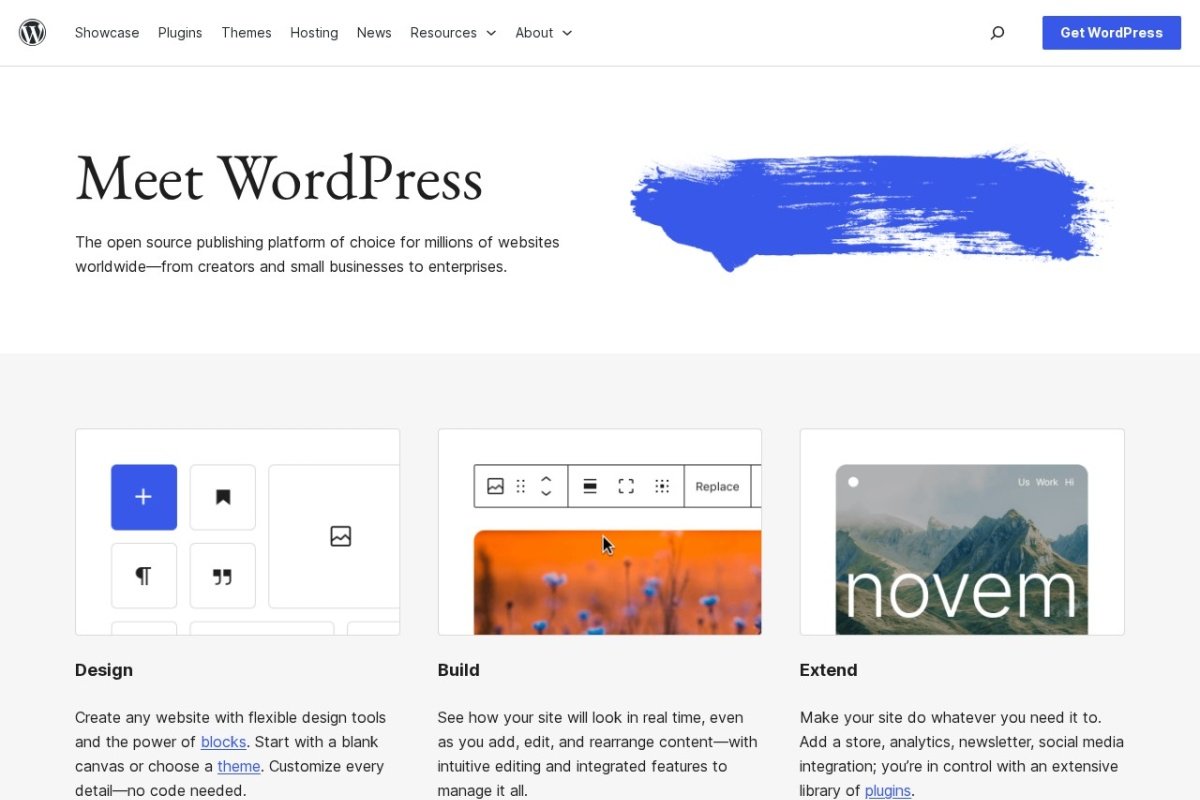
6. WordPress.com (Hosted)

Price: Free plan (limited, ads, limited storage). Personal plan from £4/month (£48/year). Premium plan from £8/month (£96/year). Business plan from £25/month (£300/year). ecommerce plan from £45/month (£540/year).

What you get: Hosted WordPress, 200+ themes, unlimited posts and pages, email support (chat on paid plans), mobile app access, spam protection, daily backups.

Best for: Bloggers, publishers, content creators, and small businesses who want flexibility without managing servers.

What works:

  • No server management. WordPress.com handles hosting, security, backups, and updates.
  • Blogging is WordPress’s native strength. If content marketing matters, WordPress.com is excellent.
  • Theme ecosystem is vast (200+ free, thousands more paid). Customisation options are far greater than Wix or Squarespace.
  • SEO is stronger than most builders. Better control over structure, metadata, and content.
  • ecommerce is now available on WordPress.com (via their ecommerce plan).
  • Privacy is better than Wix. You own your content more directly.
  • Jetpack (WordPress.com’s backup system) is reliable.

What doesn’t work:

  • Customisation has limits. WordPress.com restricts plugin access on lower-tier plans.
  • Drag-and-drop is less smooth than Wix or Squarespace. You’re editing content more than designing visually.
  • ecommerce is a newer feature and less mature than Shopify.
  • Support is email-based (except chat on paid plans). Not as immediate as GoDaddy’s phone support or Wix’s chat.
  • Renewal pricing isn’t transparent upfront. It’s hidden in the terms.

Real-world example: A marketing consultant in London uses WordPress.com. She writes extensively and has 30+ blog posts. Her site ranks for competitive keywords. She pays £25/month and considers it well worth it because she can make the design fit her brand. She can’t add every custom feature she dreams of, but she has enough control.

Verdict: Best for content-focused businesses, bloggers, and those who value control and customisation over simplicity.

7. DIY WordPress (Self-Hosted)

Price: Hosting from £3 to £50+/month depending on provider and traffic. Domain: £10 to £20/year. Themes: free to £200+ one-time. Plugins: free to £500+/year depending on what you need. Total first-year cost for a basic setup: £60 to £200. Ongoing annual cost: £50 to £300+.

What you get: Complete control. Choose your hosting provider, install WordPress yourself (or have your host do it), select your theme, add plugins, customise everything.

Best for: Technical owners, those who need deep customisation, content marketers, ecommerce businesses at scale.

What works:

  • Control is absolute. You own your site, your data, your content. No platform limits.
  • Customisation is unlimited. Want a unique feature? Build it or find a plugin.
  • SEO is excellent. Full control over technical SEO, structured data, speed optimisation.
  • Ecommerce via WooCommerce is powerful and cost-effective. No transaction fees on payments (you pay processor fees only).
  • Scalability is genuine. No platform limits. Can handle high traffic, complex functionality.
  • Hosting options range from budget to premium. You choose what suits your needs.
  • Plugin ecosystem is enormous. 50,000+ free and premium plugins.

What doesn’t work:

  • Technical knowledge required. You’re responsible for setup, maintenance, updates, security, backups.
  • Security is your responsibility. One outdated plugin and your site is vulnerable.
  • Support is fragmented. When something breaks, it’s on you (or you hire someone).
  • Speed requires optimisation. Default WordPress isn’t lightning-fast. Needs caching, image optimisation, server tuning.
  • Time investment is significant. You’re not just building a site, you’re managing a platform.
  • Overkill for simple sites. If you just need 5 pages, WordPress has too much overhead.

Real-world example: An ecommerce business in Manchester runs self-hosted WordPress with WooCommerce. She does £200k/year in revenue. Total annual cost is £150 (hosting) plus £200 (plugin licenses) plus 10 hours/month of her own time (or £1,200/year if she outsourced all maintenance). She couldn’t do this on Shopify for the cost, and she has complete control. The tradeoff is technical complexity.

Verdict: Best for technical owners, complex builds, and ecommerce businesses at scale. Not recommended for non-technical owners without hiring support.

Quick Comparison Table

PlatformBest ForPrice RangeEase of UseDesign FlexibilitySEO StrengthEcommerceSupport
WixCreatives, service businesses£72 to £300/yearExcellentGoodFairGoodChat, email
SquarespaceDesigners, small ecommerce£132 to £300/year (approx.)ExcellentGoodGoodExcellentChat, email
WeeblyBudget-conscious£42 to £258/yearExcellentFairFairFairChat, email
GoDaddyNeed phone support£42 first year, £156+ renewalGoodFairFairGoodPhone, chat, email
ShopifyEcommerce-focused£276 to £3,588/year (plus transaction fees)GoodGoodGoodExcellentPhone, chat, email
WordPress.comContent creators, flexibility£48 to £540/yearGoodExcellentExcellentGood (Premium plan+)Email, chat
DIY WordPressTechnical owners, ecommerce at scale£50 to £300+/yearFair (requires learning)ExcellentExcellentExcellentCommunity, self-service

Decision Framework

Picking the right platform comes down to answering a few questions:

Q1: How soon do you need it live?
If you need a site next week, go Wix or GoDaddy. If you have a month, Squarespace or Shopify work. If you have two months, self-hosted WordPress is fine.

Q2: Are you selling?
If yes and volume is high (£10k+ per month), Shopify or self-hosted WordPress. If volume is low or you’re offering services, Wix, Squarespace, or Weebly work.

Q3: How important is SEO?
If rankings matter (and they should), WordPress.com or self-hosted WordPress are stronger. Squarespace is decent. Wix is okay. Weebly lags.

Q4: Are you technical?
If yes, self-hosted WordPress unlocks everything. If no, stick to the drag-and-drop builders.

Q5: What’s your budget?
If under £100/year, Weebly or free WordPress.com. If £100-300/year, Wix or Squarespace. If you can spend more and need ecommerce, Shopify. If cost isn’t a constraint, self-hosted WordPress offers the best long-term value.

Final Recommendation

The best website for your UK small business is the one you actually use and update regularly, that converts visitors to customers or leads, and that you can afford to maintain long-term.

For most small service businesses: Wix or Squarespace. Launch in days, looks professional, costs £50 to £300/year, requires no technical skill.

For ecommerce businesses doing under £10k/year: Wix, Squarespace, or Weebly. Lower monthly cost, integrated payment processing, gets you selling quickly.

For ecommerce businesses doing over £10k/year: Shopify or self-hosted WordPress. Transaction fees on Shopify start to make sense, and the scalability is there.

For content-focused businesses: WordPress.com or self-hosted WordPress. SEO strength, blogging power, content marketing integration.

For agencies and highly customised needs: Self-hosted WordPress. Full control, unlimited scalability, custom integrations possible.

Avoid picking a platform based on how it looks. Pick based on what you need it to do, what you can maintain, and what fits your budget. A plain Wix site that converts is worth infinitely more than a beautiful WordPress site that gets abandoned.

Want a full marketing audit?

The Deep Audit reviews your entire marketing setup and gives you a prioritised action plan with UK cost benchmarks. One-off fee. Money-back guarantee.

Get Your Deep Audit
author avatar
Jacob Whito Ltd - Co founder
Jacob is a UK SEO and growth strategist helping small businesses grow without wasting money.With experience inside competitive, performance-driven brands, he focuses on what actually drives enquiries and revenue. Through Whito, he helps businesses simplify their marketing, fix what is not working, and build systems that deliver consistent results.
👋 Is your marketing actually working?