Last Updated on September 17, 2026
Most UK businesses treat forms like admin.
Contact form.
Quote form.
Done.
But forms are not admin.
They are conversion infrastructure.
Fillout promises:
Smarter logic.
Better UX.
Native integrations.
More control than basic form builders.
Note: Before choosing a form tool, check it connects to your CRM natively. Manual data transfer between forms and your CRM is where most UK businesses lose leads. If it does not integrate directly, pick a tool that does.
The question is not whether it builds forms.
The question is whether it improves outcomes.
A form is not a box.
It is a filter.
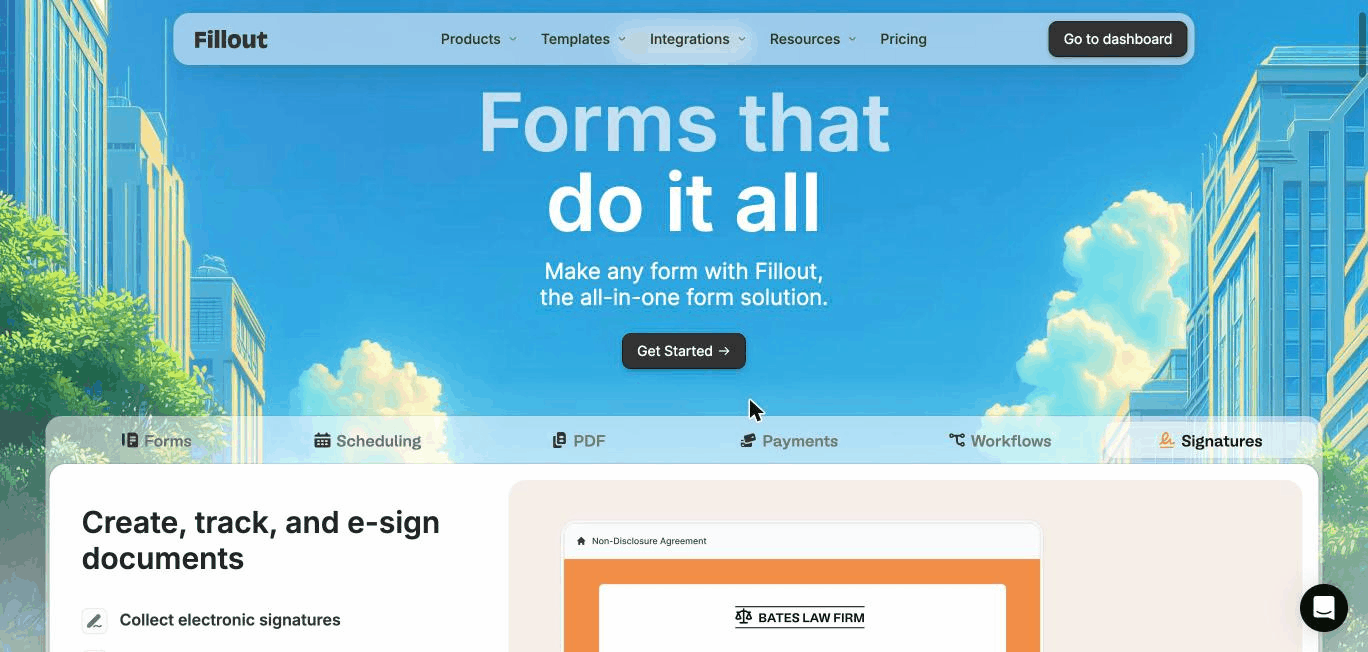
Update, March 2026: Fillout’s parent company renamed itself Zite. Fillout continues as a standalone product under the Zite umbrella, and nothing changes for existing users.
The Whito stage check
What Fillout actually is
Fillout is a form builder designed for:
Conditional logic
Multi-step flows
CRM integrations
Payment collection
Lead qualification
It competes with:
Typeform
Jotform
Google Forms
Tally
It positions itself as more flexible and more customisable than simple builders.
It is built for:
Service businesses
Agencies
SaaS
Lead-driven companies
Not just surveys.
Where Fillout is strong
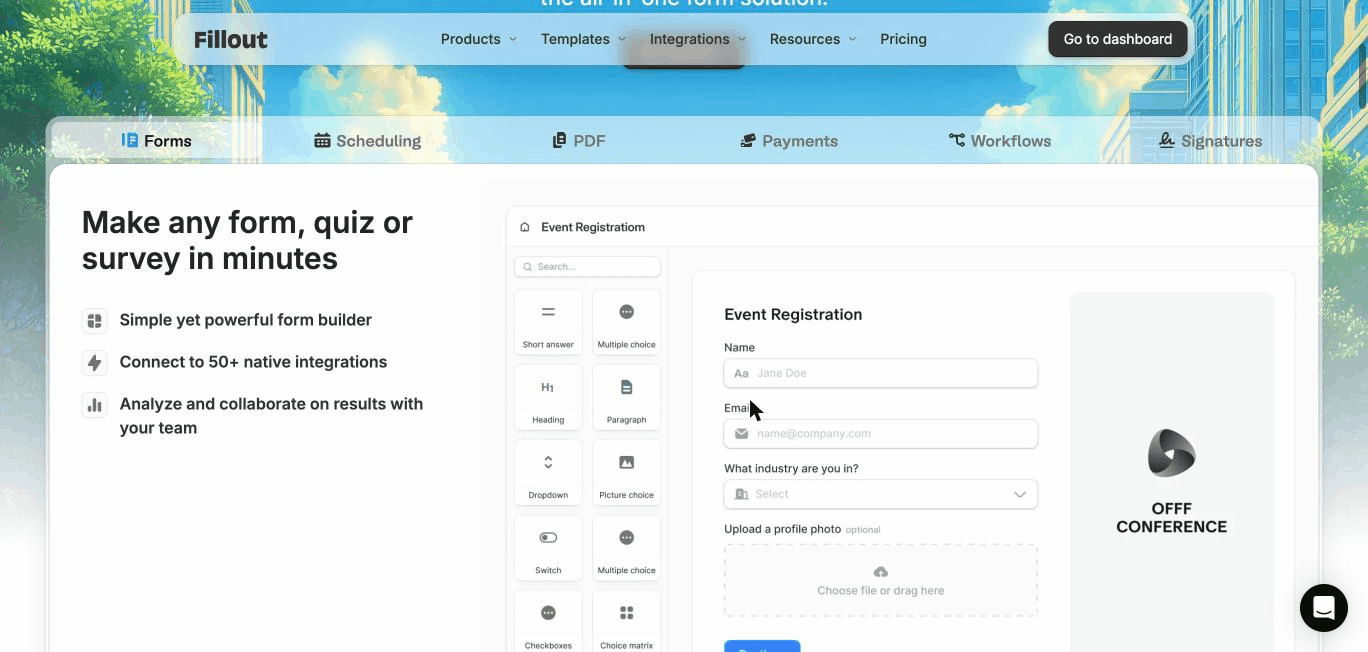
1. Advanced logic without code
Fillout allows:
Conditional fields
Branching logic
Dynamic question paths
Calculated fields
This means your form can:
Pre-qualify leads
Filter out low-fit enquiries
Route by service
Collect structured data
This reduces sales friction.
And founder bottlenecks.
2. Multi-step UX
Multi-step forms improve completion rates compared to long single-page forms.
Fillout supports:
Progress bars
Step-by-step flows
Embedded layouts
Standalone form pages
For high-value enquiries, this matters.
User experience affects completion.
3. CRM & tool integrations

Fillout integrates with:
HubSpot
Salesforce
Zapier
Webhooks
Stripe
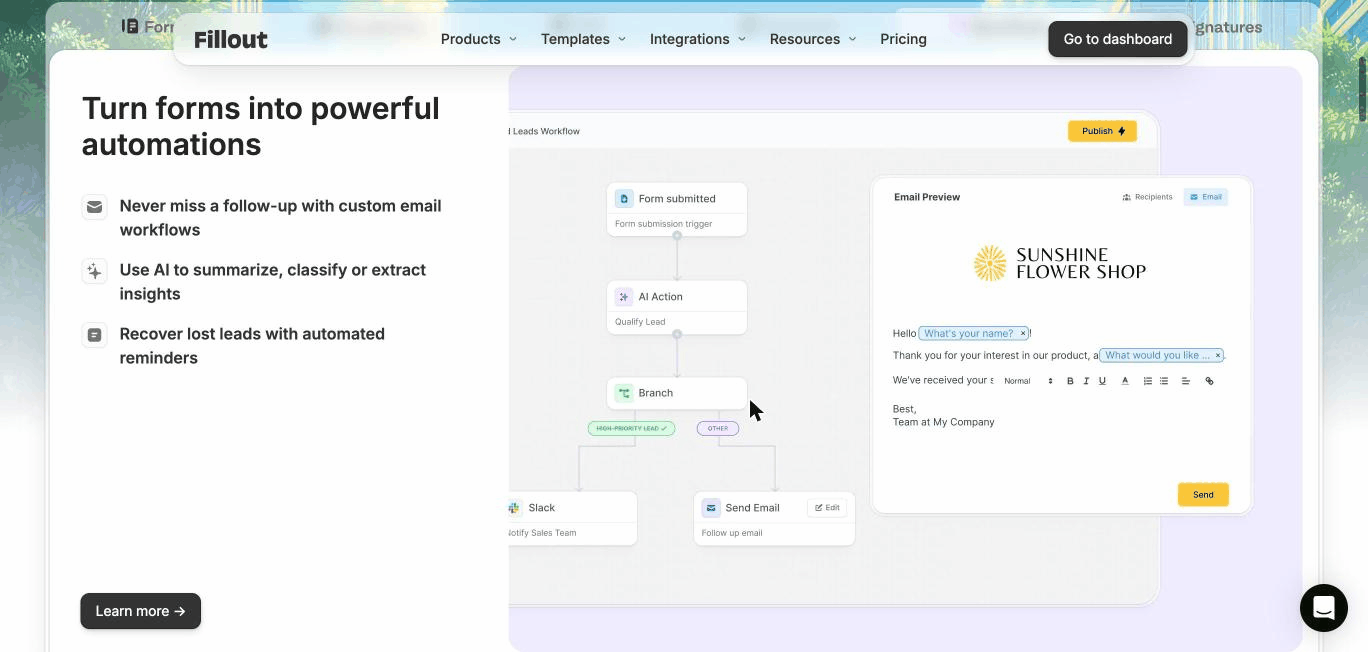
This means form data can:
Trigger workflows
Create CRM deals
Send automated follow-up
Score leads
Forms should start processes.
Not create manual work.
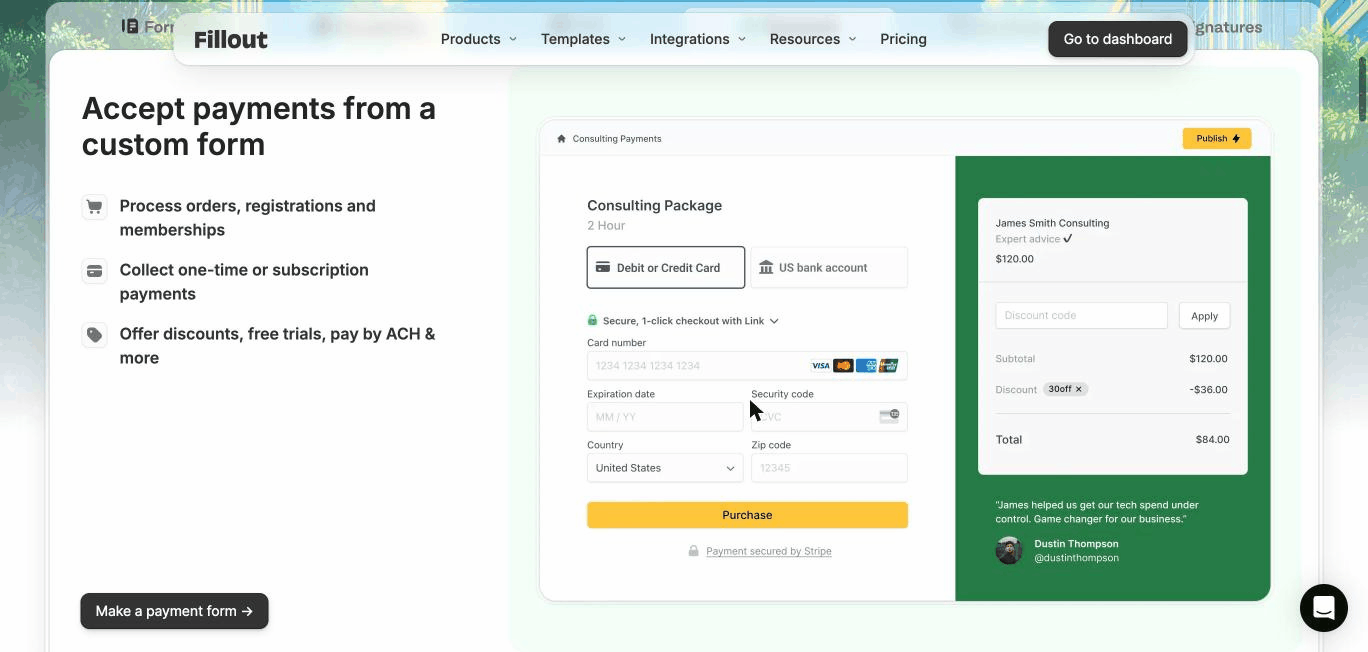
4. Payment collection
You can:
Take deposits
Charge consultation fees
Collect payments inside the form
For UK service businesses, this helps reduce no-shows.
Paid consultations increase intent.
Pricing (UK context)
Fillout pricing varies by:
Form limits
Submissions
Advanced features
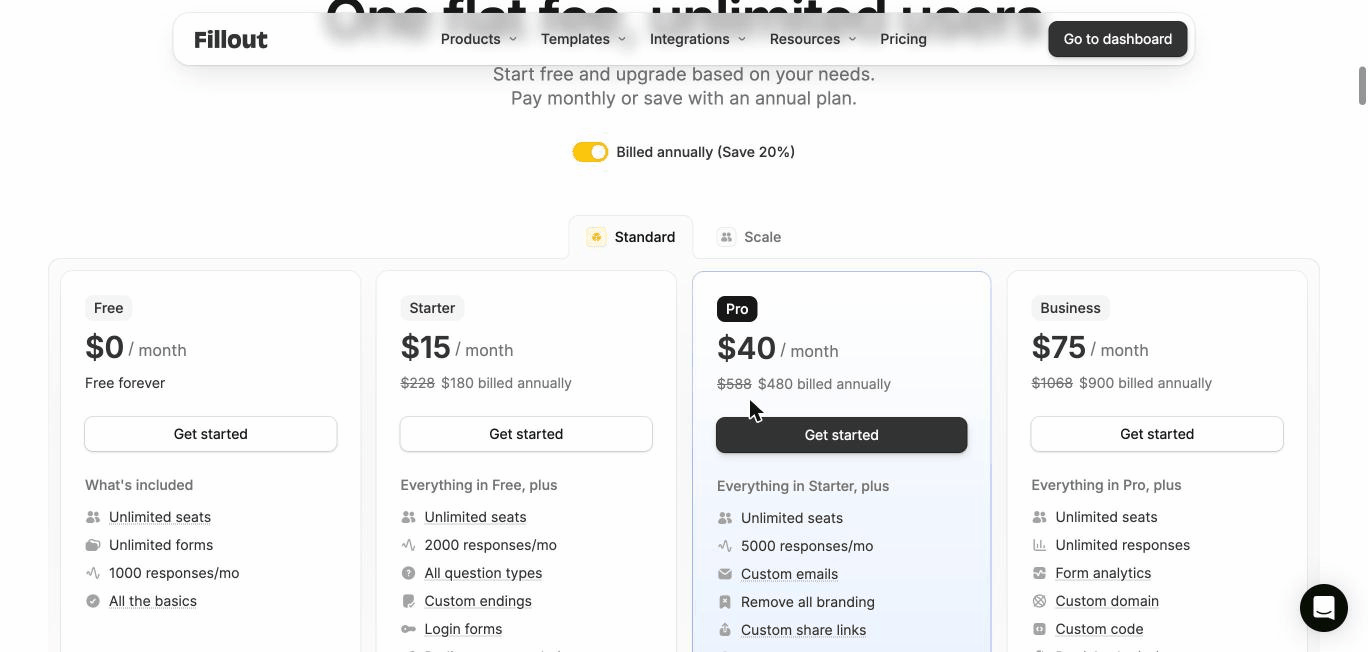
What it costs, checked 2 July 2026:
Fillout pricing (verified 2 July 2026)
| Plan | Price | Best for |
|---|---|---|
| Free | $0, 1,000 responses a month | Most businesses, honestly |
| Starter | $15/month | Custom branding, more responses |
| Pro | $40/month | Logic, integrations, payments |
| Business | $75/month | Teams and compliance needs |
Compared to enterprise form tools, it is accessible.
Compared to Google Forms, it is structured.
Fillout in practice: A UK consultancy example
A Leeds-based consultancy receives 40–60 enquiries per month.
Problems:
Low-quality leads
Manual qualification emails
Founder reviewing every enquiry
They switch to Fillout.
New form includes:
Budget range selector
Service category branching
Conditional follow-up questions
Automatic CRM routing
Now:
Low-budget enquiries filtered early
Qualified leads routed automatically
CRM populated cleanly
Same traffic.
Better pipeline.
The form became infrastructure.
What it does not do
Fillout does not:
Fix weak positioning
Increase traffic
Replace CRM strategy
Close deals automatically
It improves intake.
It does not replace sales.
The honest caveat
If you:
Only need a simple contact form
Do not use CRM
Have low enquiry volume
Fillout may be overkill.
Google Forms or native website forms may suffice.
Match complexity to revenue stage.
Where it can be risky
1. Overengineering forms
Too many questions reduce completion.
Smart logic is powerful.
But friction kills conversion.
2. No downstream process
If form data is not connected to:
CRM
Automation
Follow-up
You are just collecting cleaner data.
Structure matters.
3. Ignoring data protection
If you collect:
Personal data
Sensitive information
Ensure:
Privacy notice alignment
Consent capture
Secure storage
Form tools do not remove compliance responsibility.
Fillout vs alternatives
Vs Typeform
Typeform:
Strong design focus.
Popular brand.
Fillout:
More logic flexibility.
Often more structured workflows.
Vs Google forms
Google Forms:
Free.
Simple.
Fillout:
Better UX.
More control.
Business-grade workflows.
Vs Jotform
Jotform:
Feature-rich.
Complex tier structure.
Fillout:
Cleaner interface.
Modern logic-first approach.
Who should use Fillout
Good fit
- Service businesses with qualification needs
- Agencies
- High-value sales funnels
- Consultancies
- SaaS onboarding
Not the right fit
- Low-traffic brochure sites
- Businesses without CRM
- Ultra-simple enquiry flows
Poor forms cause:
Unqualified leads
Wasted sales time
Low completion rates
Manual admin
Small improvements in qualification improve pipeline quality.
Forms are not small details.
They shape revenue quality.
The Whito view
Whito takeaway
Fillout is powerful for UK businesses that:
Generate steady enquiries
Use CRM
Value structured intake
It becomes unnecessary when:
You have minimal volume
You lack downstream systems
Upgrade your forms when:
Your sales time becomes bottlenecked.
Structure before scale.
Always.
Fillout: Common questions before you subscribe
Is Fillout better than Typeform?
For logic-heavy qualification and structured CRM routing, often yes. For simple branded forms, both work well.
Is it suitable for UK service businesses?
Yes, particularly where lead quality matters more than lead volume.
Does it replace CRM?
No. It feeds CRM. It does not manage pipeline.
Can it improve conversion rate?
Well-designed multi-step flows can improve completion and reduce friction, but form design matters more than tool choice.
Want to know if AI recommends your business?
The Whito Visibility Check tests whether ChatGPT, Gemini, Copilot and Google AI recommend you, and gives you prioritised fixes. Free. No card, no obligation.
Take the free Visibility CheckSee how real UK businesses do this well
Our Stolen With Pride series breaks down smart marketing moves from real UK businesses. No theory, just practical ideas you can use. See how Surreal Cereal turned LinkedIn into a free marketing channel, how Bloom & Wild’s email opt-out built more loyalty than any campaign, and more.