Last Updated on September 28, 2026
We tested the leading project management platforms to find the best options for UK small businesses. Here are our top picks based on ease of use, value for money, and features that actually matter when you are running a small team.
The Whito stage check
Monday.com
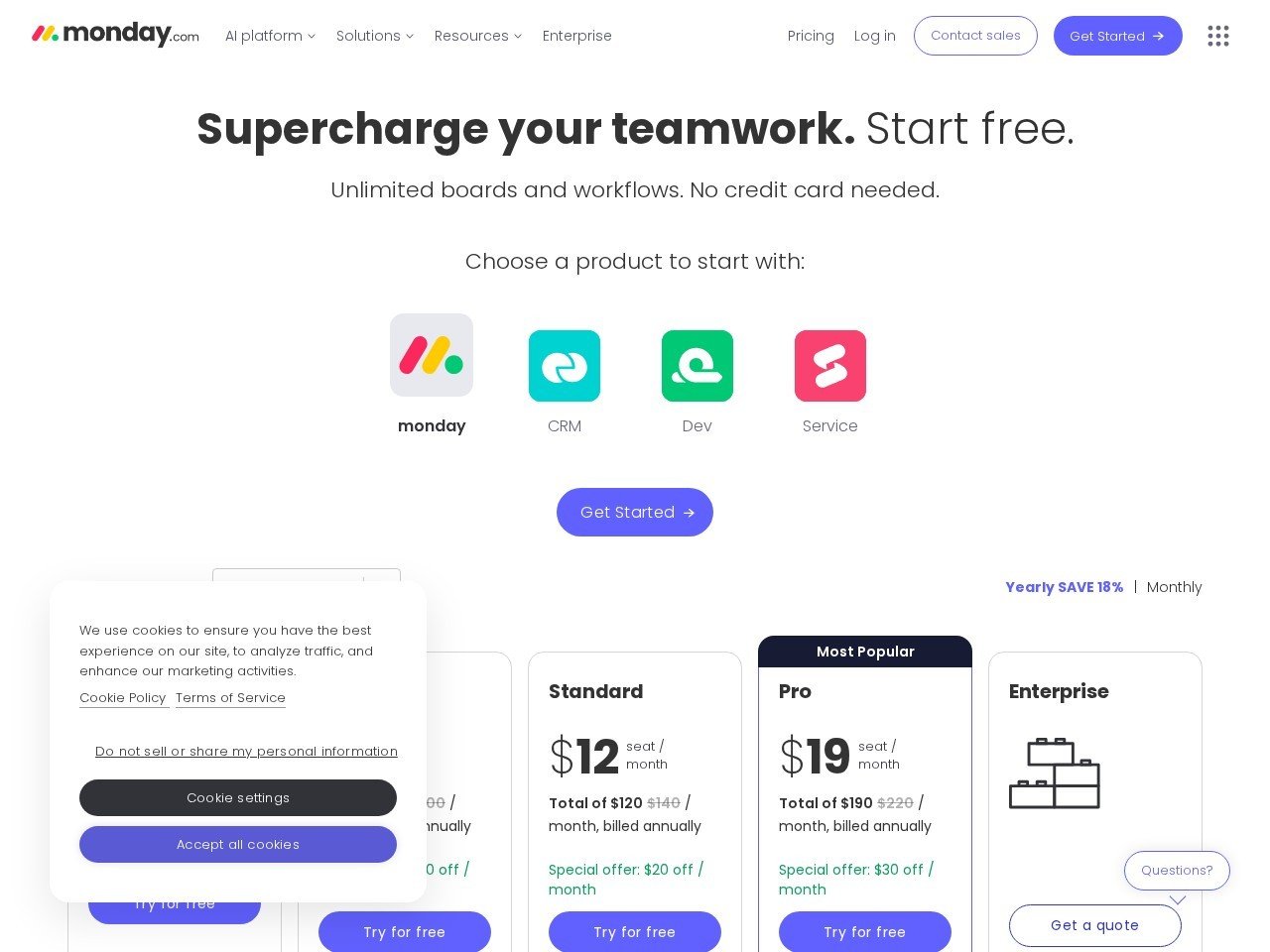
Monday.com strikes a good balance between power and usability. The visual board layout makes it easy to see what everyone is working on at a glance, and you can switch between Kanban, Gantt, timeline, and calendar views without reconfiguring anything. The automation builder lets you set up rules like “when status changes to done, notify the client” without any coding knowledge.
For UK businesses, the free plan works for solo operators or pairs, but most teams will need the Standard plan (from £9/user/month) to get timeline views and guest access. The interface can feel cluttered at first, and the pricing scales quickly once you add team members, but the depth of features justifies the cost for growing teams.
What we like
- Highly visual interface with multiple view options
- Powerful no-code automations save time on repetitive tasks
- Extensive integrations including Slack, Google Workspace, and Xero
- Good mobile app for managing tasks on the go
Watch out for
- Pricing adds up quickly with larger teams
- Learning curve for the automation builder
- Some features locked behind higher-tier plans
Trello
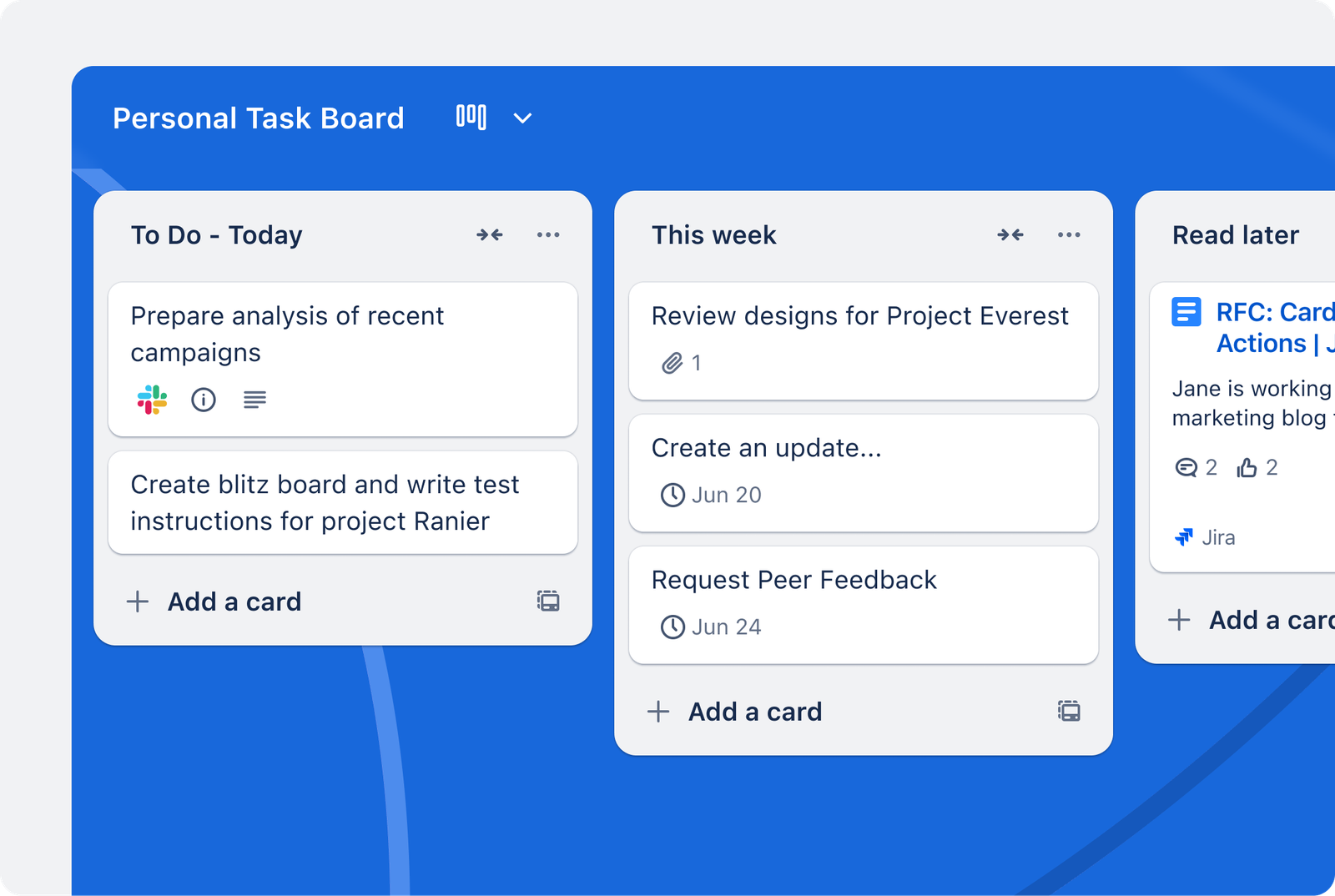
Trello is the simplest project management tool on this list, and that is its greatest strength. The Kanban board interface (columns of cards you drag between stages) is instantly intuitive. Most people can start using Trello productively within minutes, with no training required. For businesses that need to organise tasks without complexity, Trello is hard to beat.
The free plan is remarkably generous, offering unlimited cards, up to 10 boards per workspace, and basic automations. The Standard plan unlocks unlimited boards, advanced checklists, and custom fields. Trello lacks built-in Gantt charts and time tracking, but Power-Ups (plugins) fill most gaps. It works best for teams that think in terms of workflows and stages rather than complex project timelines.
What we like
- Extremely easy to learn and start using immediately
- Generous free plan suitable for small teams
- Clean, uncluttered interface that does not overwhelm
- Large ecosystem of Power-Up integrations
Watch out for
- Limited project views (primarily Kanban)
- No built-in time tracking or resource management
- Can become unwieldy with complex, multi-phase projects
Asana
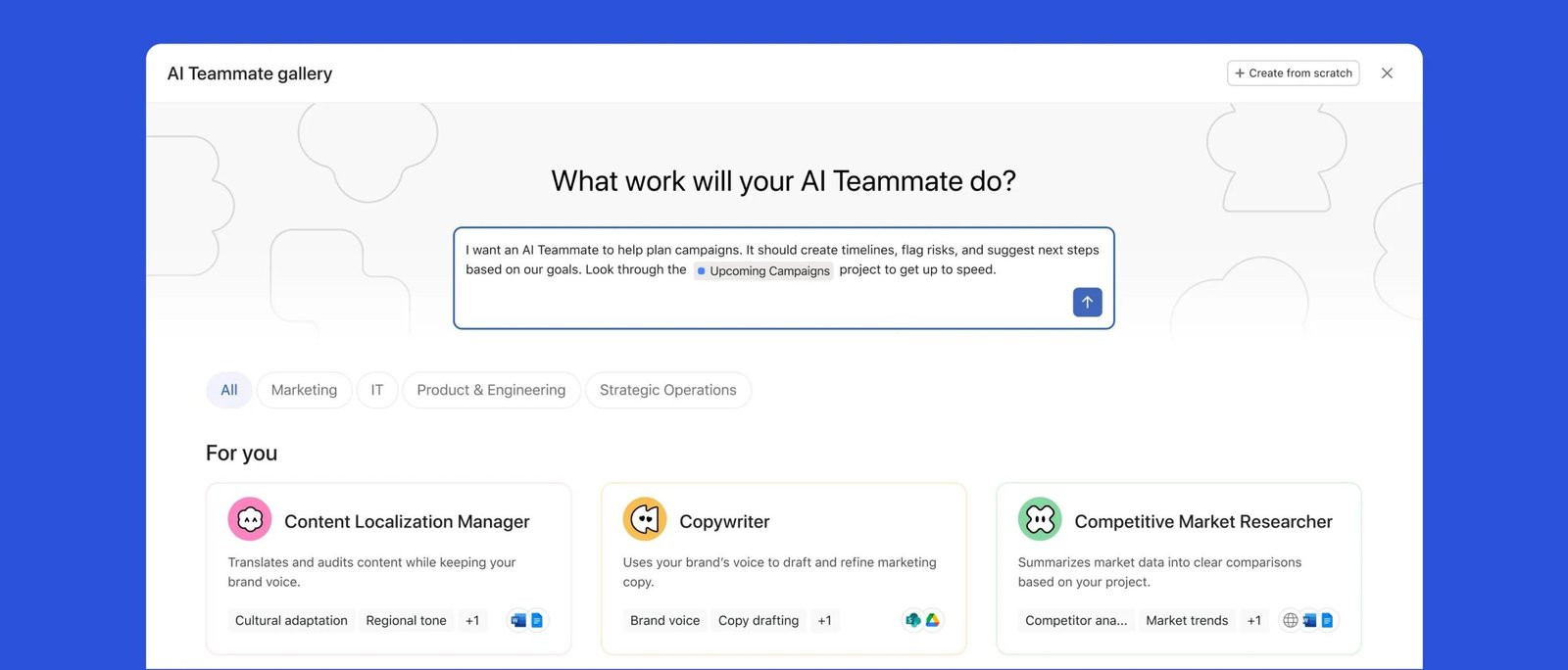
Asana is the most structured tool on this list, which makes it ideal for businesses that run repeatable processes. The workflow builder lets you create project templates with dependencies, approvals, and automatic task assignments. Once set up, your team follows the same process every time, reducing mistakes and saving the time you would spend explaining what to do next.
The free plan supports up to 10 users with unlimited tasks and projects, making it one of the best free options for small teams. The Starter plan adds timeline views, workflow builder, and forms for collecting requests. Asana’s reporting dashboard gives a clear picture of workload across your team, helping you spot bottlenecks before they cause problems.
What we like
- Free plan supports up to 10 users with core features
- Excellent workflow templates for repeatable processes
- Strong reporting and workload management
- Clean interface that scales well as projects grow
Watch out for
- Can feel over-engineered for very simple task management
- Paid plans are pricier than some competitors
- Mobile app is functional but not as polished as desktop
Also worth considering
ClickUp
ClickUp packs a lot into one place: tasks, docs, whiteboards, goals and time tracking. The free plan is unusually generous, with unlimited members and tasks, so a small team can run on it for a while. Note that pricing is in US dollars with no pound option, and the AI features are a separate paid add-on.
What we like
- Generous free plan with unlimited users
- One of the cheapest paid entry points in the category
- Huge feature range, so you rarely outgrow it
Watch out for
- So many features it takes effort to set up cleanly
- AI tools cost extra on top of the plan
- Priced in US dollars, not pounds
Notion
Notion is really a flexible docs and database tool that many teams bend into a project tracker. If your work is knowledge-heavy, with wikis, notes and processes, it shines. The free plan is genuinely useful for solo users, though team billing is per member and the AI features use separate paid credits.
What we like
- Best-in-class docs and wiki
- Clean, fast, flexible databases
- Very usable free plan for individuals
Watch out for
- Project tracking is build-it-yourself, not built in
- AI features cost extra
- Priced per member in US dollars
Quick comparison
| Feature | Monday.com | Trello | Asana |
|---|---|---|---|
| Free plan | Up to 2 users | Unlimited users, 10 boards | Up to 10 users |
| Starting price | £7/user/mo | £5/user/mo | £9.49/user/mo |
| Kanban boards | Yes | Yes (core feature) | Yes |
| Gantt/timeline | Standard plan+ | Via Power-Up | Starter plan+ |
| Automations | Yes (powerful) | Basic (Butler) | Yes (workflow builder) |
| Time tracking | Pro plan+ | Via Power-Up | Via integration |
| Guest access | Standard plan+ | Free plan | Starter plan+ |
| Mobile app | Good | Good | Good |
| Slack integration | Yes | Yes | Yes |
| Google Workspace | Yes | Yes | Yes |
| Best for | Visual teams | Simple workflows | Structured processes |
The UK reality check
| Monday.com | Trello | Asana | |
|---|---|---|---|
| Billed in | USD, card FX applies | USD, card FX applies | GBP |
| VAT | Add 20% | Add 20% | Add 20% |
| Free tier | Up to 2 users | 10 boards, unlimited cards | Up to 10 users |
| Seat rules | Minimum 3 seats, then blocks of 5, a team of 6 pays for 10 | Per user, any number | Per user, any number |
| UK data residency | Enterprise plan only | No UK option | No UK option |
| Watch for | Seat blocks quietly inflate the real price | Power-Up costs stack up | Starter needs annual billing for the headline price |
What will project management software really cost?
| Plan | Per user | Seats billed | Monthly inc VAT | Year one inc VAT |
|---|---|---|---|---|
| Trello Standard | £4 | 5 | £ | £ |
| Monday Basic | £7 | 5 | £ | £ |
| Asana Starter | £9.49 | 5 | £ | £ |
Project management tool questions UK teams actually ask
Is a free plan enough for a small team?
Why does Monday cost more than the advertised price?
Which tool for a team of four doing client work?
Do these prices include VAT?
How painful is switching PM tools later?
Our verdict
For most UK businesses, Trello is the best starting point. It is the fastest to set up, the easiest to learn, and the free plan is generous enough for many small teams. If your work follows repeatable processes (client onboarding, content production, order fulfilment), Asana is worth the extra investment for its workflow templates and reporting. And if you want the most visual, customisable experience with powerful automations, Monday.com delivers, though the cost scales with your team size.
All three tools offer free plans, so the best approach is to try each with a real project and see which one your team actually enjoys using. The best project management tool is the one your team will consistently use, not the one with the longest feature list.
Need help choosing the right tools for your business? Start with our free business guide
Best CRM Software for UK Businesses →
Pricing reviewed June 2026. Tools change their prices often, so always confirm the current figure on the vendor site before you buy.
Frequently asked questions
Which project management tool is best for a UK business?
It depends on how your team already works. If you live in spreadsheets and sticky notes, a visual board tool like Trello or Asana is the gentlest move; if you juggle clients and deadlines, something with timelines and workload views earns its keep. The best tool is the one your team will actually open every morning, not the one with the longest feature list.
Is the free version of a project management tool enough?
For a small team with a handful of projects, the free tier is often plenty to start. You usually hit the ceiling on member limits, automation, or reporting rather than core task management. Run free for a month or two, and only pay once a specific limit is genuinely slowing you down.
How much should I expect to pay for project management software?
Most tools charge per user per month, with paid plans typically starting from around the cost of a couple of coffees per person. Prices rise with automation, guest access, and advanced reporting tiers. Watch the per-seat maths as you grow, since a small team can quietly become an expensive one.
Do I actually need a project management tool yet?
If work is slipping through the cracks, or you spend more time chasing updates than doing the work, the answer is usually yes. If you are a solo operator with a simple to-do list, a tool may be overkill. Structure before scale: get the process clear in your head first, then pick software to hold it.