

Last Updated on July 2, 2026
Quick Verdict
Canva is the fastest way for a UK small business to produce decent-looking marketing materials without hiring a designer. The template library is enormous, the editor is genuinely intuitive, and the AI tools save real time on repetitive tasks. But it is a template-first tool, not a design tool. If you need custom layouts, precise print control, or anything beyond what the templates offer, you will hit a ceiling quickly.
Whito Framework stage: Start / Build
| 8.0/10 Overall | 9.0/10 Ease of Use | 8.5/10 Value | 8.0/10 Templates | 6.5/10 Advanced Design |
| What Canva does well | Where it falls short |
|---|---|
| Template library is massive (1.6M+ free, 141M+ on Pro), covering nearly every format a small business needs | Export options are limited. No CMYK, no spot colour support, and PDF quality is not print-shop reliable |
| Brand Kit (Pro) lets you lock in colours, fonts, and logos so every design stays consistent without a style guide | Designs look distinctly “Canva” to anyone who uses the tool regularly, which can undermine brand differentiation |
| AI tools (Magic Eraser, Background Remover, Magic Write) save genuine time on routine tasks | Free plan storage caps at 5GB, which fills quickly if you work with photos and video |
| Learning curve is practically flat. Most people are productive within 15 minutes of their first login | Custom layouts, precise spacing, and advanced typography control are all limited compared to proper design tools |
| Resize feature (Pro) lets you adapt one design to multiple formats in seconds, saving hours of manual reformatting | Video editing is basic. Fine for social clips, but falls apart for anything longer or more polished |
Most UK small businesses do not have a designer on staff. They have a founder with a laptop, a deadline, and a social post that needs to go out before lunch.
That is the gap Canva fills. Not design. Speed.
It takes the work that used to require Photoshop, a freelancer, or three hours of frustration, and makes it possible in 20 minutes. Social graphics, presentations, email headers, flyers, simple logos. Canva handles all of it at a level that is good enough for most small business marketing.
The question is not whether Canva works. It clearly does, with over 220 million monthly active users. The question is where it stops working, and whether the Pro plan is worth the upgrade over the free version.
This review breaks down what Canva actually delivers for UK small businesses, where it saves time, where it limits you, and when you need to look elsewhere.
Note: Canva prices in this review are in GBP and reflect UK pricing as of May 2026. Canva adjusts pricing by region, so the figures shown here are specific to UK accounts.
The Whito stage check
What Canva actually is
| Product | What it is | Best for |
|---|---|---|
| Canva Free | Browser-based design editor with 1.6M+ templates, basic AI tools, and 5GB storage | Sole traders and new businesses testing the platform before committing |
| Canva Pro | Full platform with 141M+ assets, Brand Kit, Magic Studio AI suite, 100GB storage, and one-click resize | Small businesses producing regular marketing content who need brand consistency |
| Canva Business | Team-focused plan (formerly Canva Teams) with 500GB storage per user, template locking, workflow approvals, and team-only sharing | Businesses with 3+ people creating or approving marketing materials |
| Canva Enterprise | Custom-priced plan with SSO, 1TB storage, IP indemnity for AI content, and dedicated account support | Larger organisations with compliance, security, or governance requirements |
Canva is a browser-based graphic design tool built for people who are not designers. It works on a drag-and-drop editor with pre-built templates, stock assets, and AI-powered features that handle the technical parts of design automatically.
It is not trying to replace Photoshop or Illustrator. It is trying to make it unnecessary for most small businesses to ever open those tools. For social media graphics, presentations, simple print materials, and basic video content, it does exactly that.
The platform runs entirely in the browser and has desktop and mobile apps, which means there is nothing to install and your files are accessible from any device. For a UK business owner who works from a laptop, a phone, and occasionally a tablet, this flexibility matters more than most feature lists suggest.
Where Canva is strong
1. Template library and speed of output
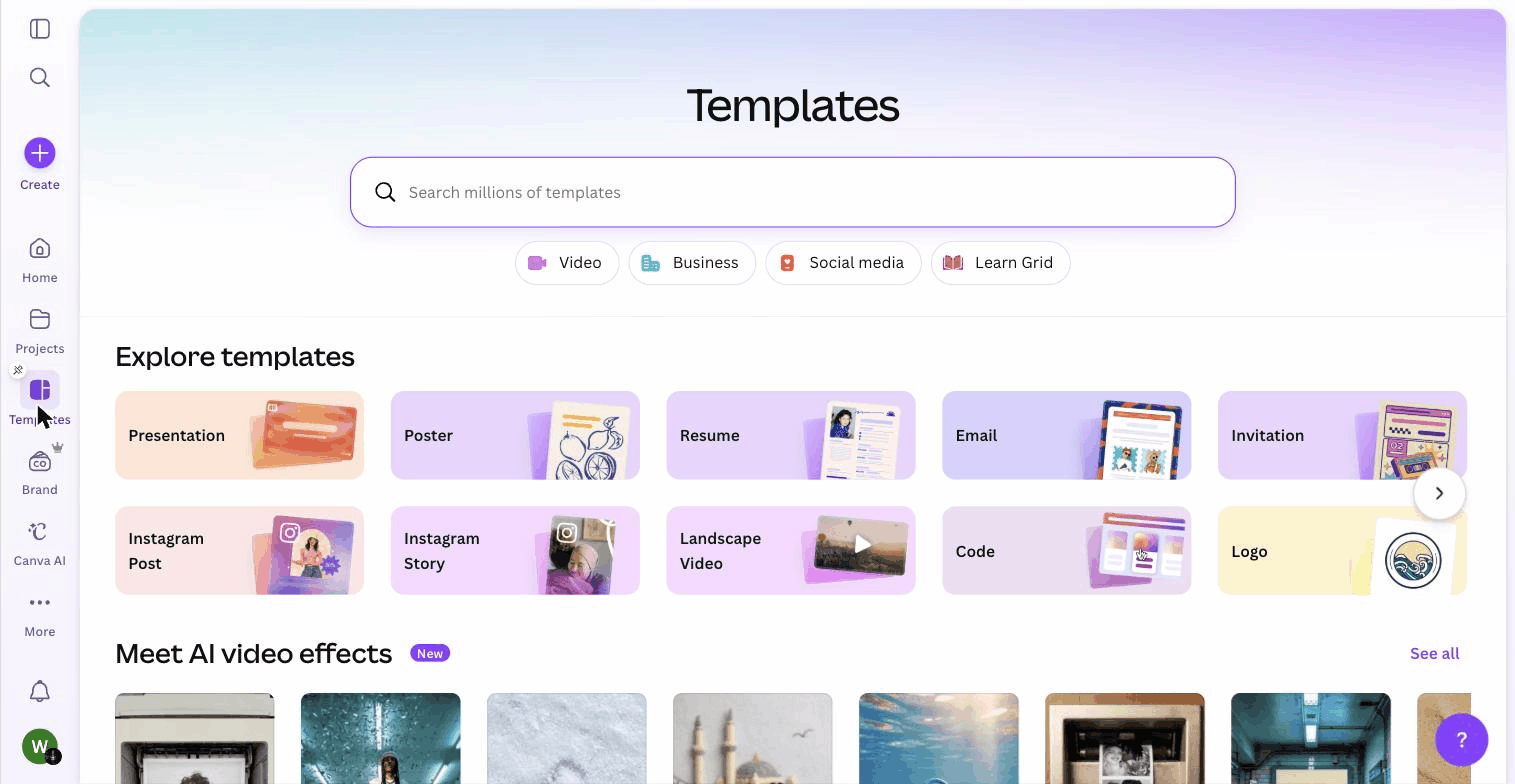
Canva’s template library is its core advantage. With over 1.6 million templates on the free plan and 141 million+ premium assets on Pro, it covers virtually every format a small business encounters: Instagram posts, Facebook covers, A4 flyers, business cards, presentations, email headers, YouTube thumbnails, and dozens more.
The templates are not just numerous, they are well-organised. Search for “restaurant menu” or “estate agent flyer” and you get results that are immediately usable with minimal changes. Swap the text, drop in your logo, adjust the colours, and export. What used to take a designer an hour takes you ten minutes.
For a UK small business posting three to four times a week on social media, this speed changes the economics of content production entirely. You stop outsourcing individual graphics at £25 to £50 each and start producing them yourself in the time it takes to drink a coffee.
The one-click resize feature on Pro extends this further. Design an Instagram post, then resize it instantly for Facebook, LinkedIn, Pinterest, and Stories. One piece of content becomes five formats in under a minute.
2. Brand consistency without a designer
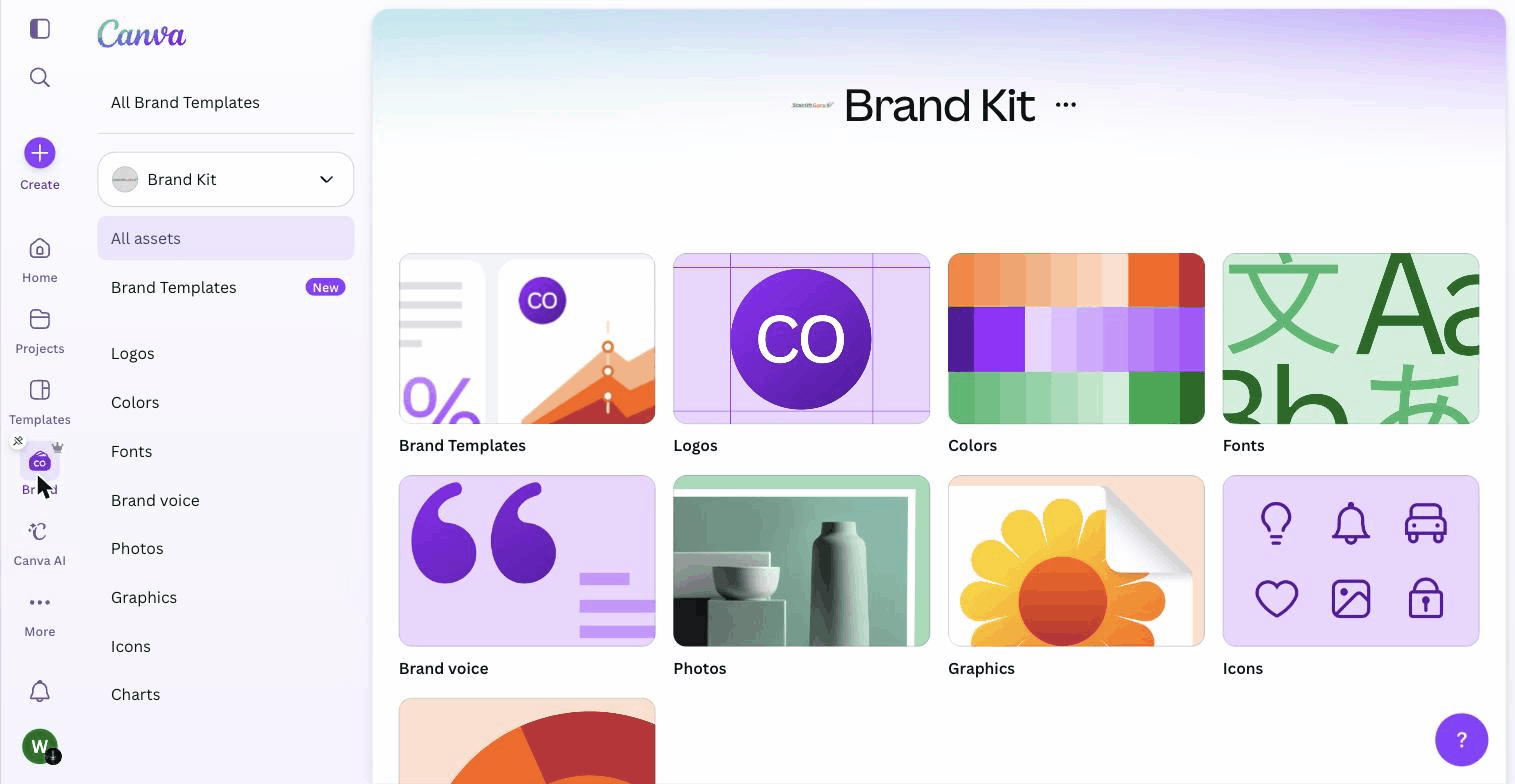
Brand Kit, available on Pro and above, lets you save your brand colours, fonts, and logos in one place. Every new design starts with your brand elements pre-loaded, which means you stop guessing hex codes and hunting for your logo file in a downloads folder.
This solves a problem that most small businesses do not realise they have until it is too late. Without a Brand Kit, every social post, flyer, and email header ends up slightly different. The blue is a shade off. The font changes. The logo is the wrong version. Over time, your brand looks inconsistent, and inconsistency makes a business look smaller and less professional than it is.
Canva’s Brand Kit is not as sophisticated as a proper brand guidelines document, but for a business at the Start or Build stage, it is more than sufficient. It creates a baseline of visual consistency that would otherwise require a designer or a very disciplined team.
3. AI tools that actually save time
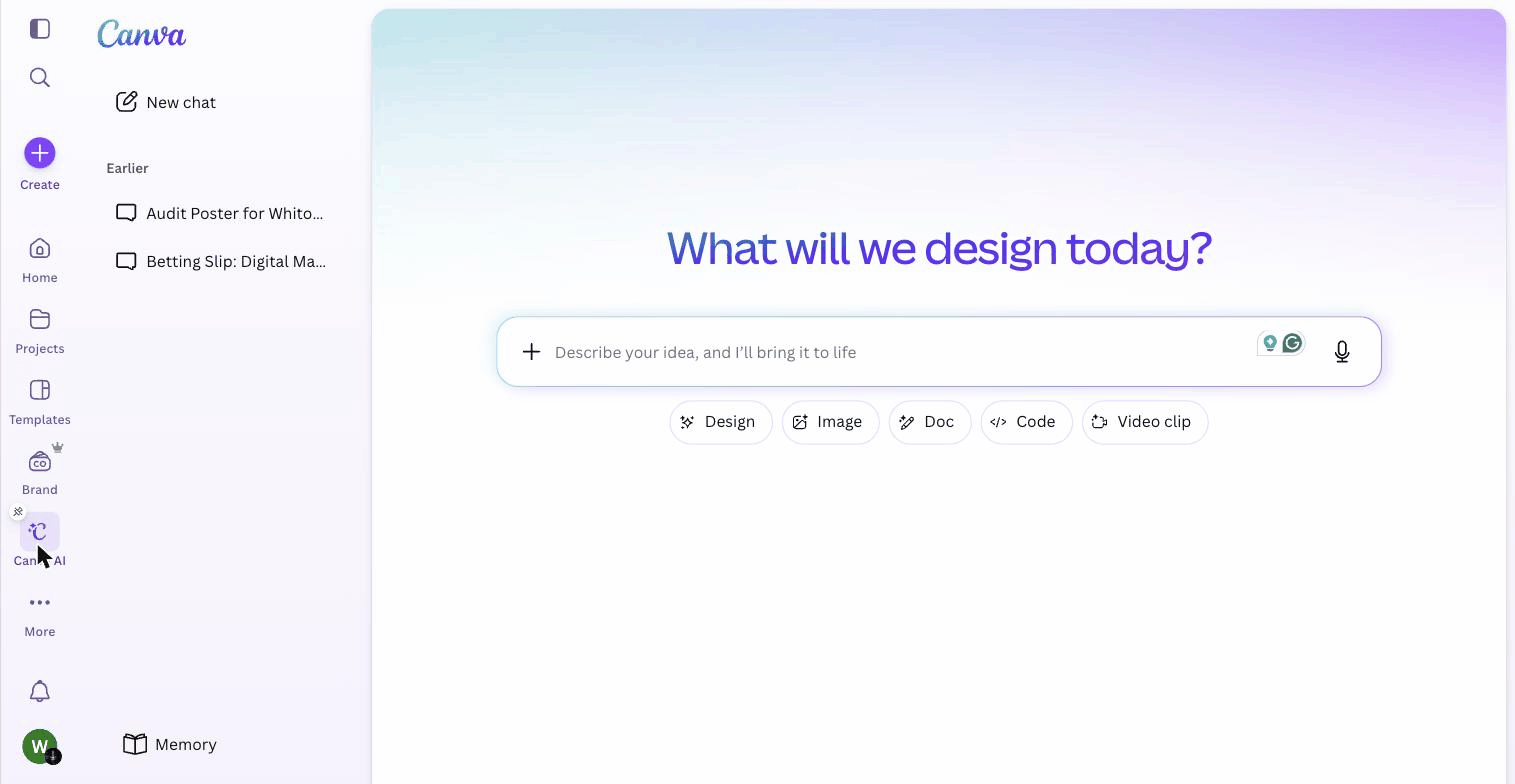
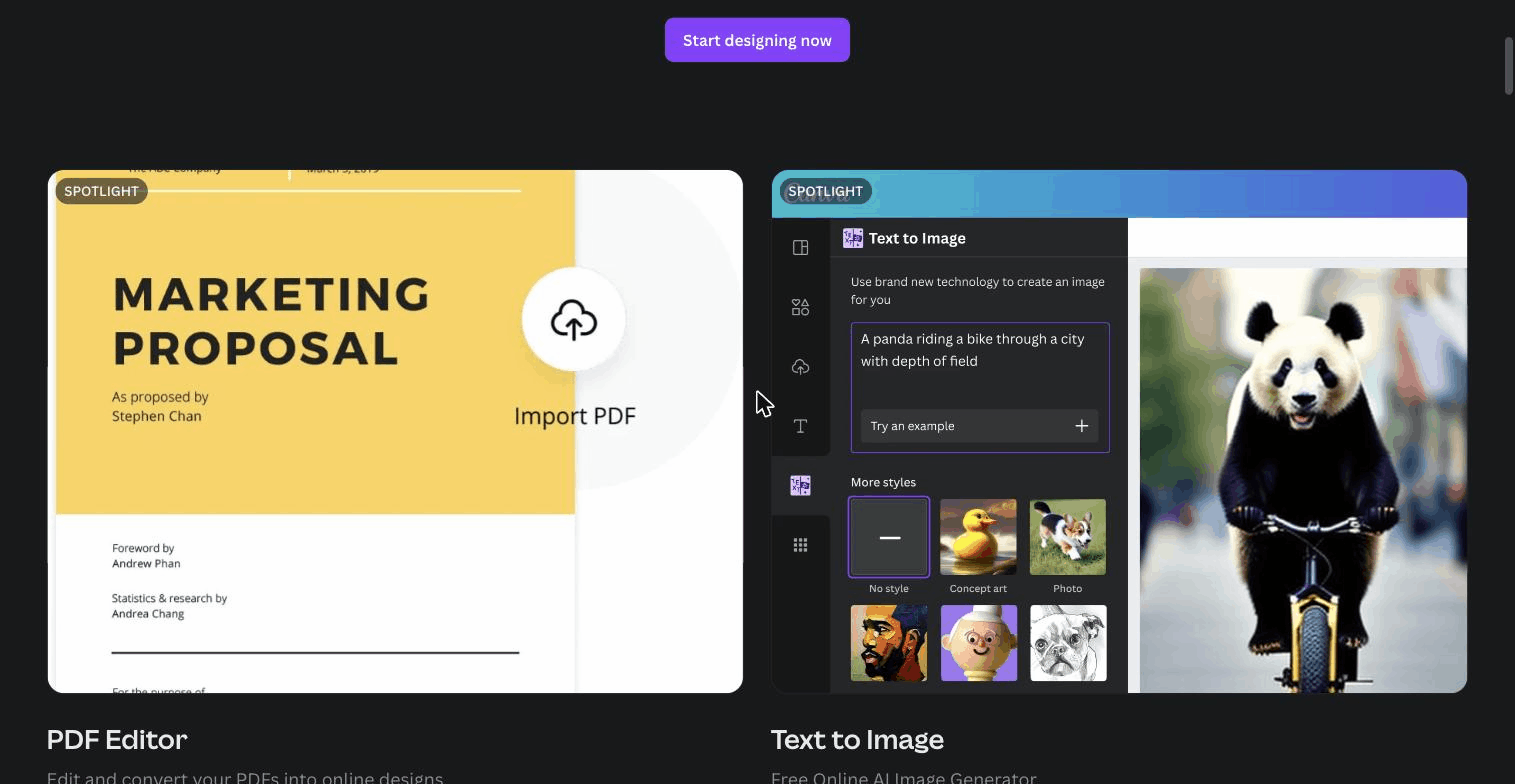
Canva’s Magic Studio is a suite of AI features that have moved beyond novelty into genuine utility. Background Remover strips product photo backgrounds in one click. Magic Eraser removes unwanted objects from images. Magic Write generates first-draft copy for social captions and presentations. Magic Resize reformats designs across dimensions.
These are not experimental features buried in a lab menu. They are integrated directly into the editor workflow. You are editing a product photo, you click Background Remover, and it is done. No separate tool, no export-import loop, no waiting.
For a UK small business owner who also handles their own marketing, these tools cut the time cost of routine design tasks by 30 to 50 percent. That is not a small efficiency gain when you are producing content weekly.
Note: Magic Studio AI features are included with Pro at no extra cost. On the free plan, you get limited uses per month. If you rely on Background Remover or Magic Eraser regularly, this alone can justify the Pro upgrade.
Related reviews from Whito
Feature comparison: Canva vs competitors
| Feature | Canva Pro | Adobe Express | VistaCreate | Figma |
|---|---|---|---|---|
| Free plan available | Yes | Yes | Yes | Yes |
| Template library size | 141M+ assets | 200M+ Adobe Stock | 150K+ templates | Community files |
| Brand kit | Yes (Pro+ | Yes (Premium) | Yes (Pro) | No |
| AI background removal | Yes | Yes | Yes | No |
| One-click resize | Yes | Yes | Yes (Pro) | Manual |
| Video editing | Basic | Basic | Basic | Prototyping only |
| Custom font upload | Yes (Pro+) | Yes (Premium) | Yes (Pro) | Yes |
Canva: Common questions
Is Canva free, and is the free plan enough for a UK small business?
Yes, Canva has a genuinely useful free plan. It includes over 1.6 million templates, the drag-and-drop editor and 5GB of storage, which is enough for a sole trader producing the odd social post. You hit the limits when you need the Brand Kit, the full Magic Studio AI tools, one-click resize or more storage. For a business posting a few times a week, those Pro features usually pay for themselves in saved time.
How much does Canva Pro cost in the UK?
Canva Pro is around £100 a year for one person, which works out at roughly £13 a month. Canva sets prices by region, so UK accounts are billed in pounds. The Business plan costs more per user and adds team features like template locking and approval workflows. Prices as of 2026, so check Canva for the current figure before you buy.
Can I use Canva for professional print like flyers and business cards?
For everyday print, yes. For colour-critical print, not reliably. Canva exports in RGB and does not support CMYK or spot colours, so what you see on screen can shift when a commercial printer runs the job. For digital and light print it is fine. If exact colour matters, send your printer a proof first or use a tool with proper print controls.
Will my designs look generic if everyone uses Canva templates?
They can, if you only swap the text. Canva designs are recognisable to anyone who uses the tool. The fix is to set up a Brand Kit with your own colours, fonts and logo, then treat templates as a starting point rather than a finished design. A small amount of customisation is usually enough to stop your marketing looking like everyone else’s.
Is Canva GDPR compliant for UK businesses?
Canva provides the tools and documentation UK businesses need to use it in a GDPR-compliant way, including a data processing agreement. Compliance still depends on how you use it, such as what customer data you upload and who on your team can access it. For ordinary marketing design the risk is low. Treat any client data you import with the same care you would anywhere else.
What is the best alternative to Canva for a small business?
It depends on what Canva cannot do for you. Adobe Express is the closest like-for-like and ties into Adobe Stock. VistaCreate is a cheaper template-led option. Figma suits teams that need precise, custom layouts rather than quick templates. For most UK small businesses Canva is still the fastest route to decent marketing materials, and the alternatives only win in specific cases.