

Last Updated on August 17, 2026
What to use based on your goals and skills. Not every business needs WordPress.
Disclosure: Some links on this page are affiliate links. If you click through and make a purchase, Whito may earn a commission at no extra cost to you. This does not influence our recommendations or rankings. We also recommend tools we earn nothing from. Read our full review methodology and how we make money.
Ask five people what website builder to use and you will get five different answers, all confidently given, most of them wrong for your situation.
The developer will tell you WordPress. The designer will say Squarespace. Your mate who built a site last weekend will insist on Wix. None of them are thinking about your specific needs, your skill level, or what you can realistically maintain yourself.
The right website builder depends on three things: what you need it to do, how much you can spend over three years (not just the first month), and whether you have the time or technical ability to manage it yourself.
The Whito stage check
The question nobody asks first
Before comparing platforms, answer this: who is going to maintain this website after it is built?
If the answer is "me, and I am not technical," then WordPress is probably not the right choice regardless of what any SEO expert tells you. A website that never gets updated because you cannot figure out the dashboard is worse than a simpler site that you actually keep current.
Be honest about your skill level. It will save you money and frustration.
1. Wix
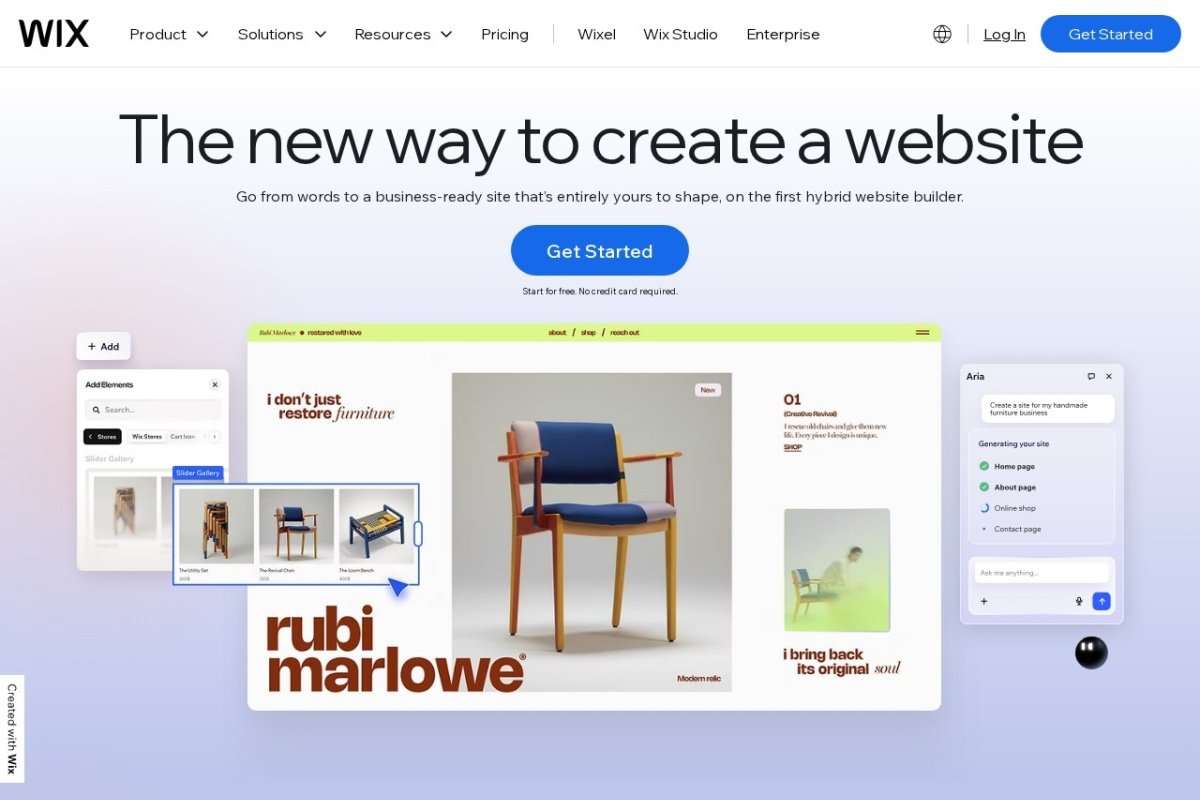
From £9/month (Light) | Core from £16/month | Business from £25/month
Wix is the easiest starting point for anyone who has never built a website before. The drag-and-drop editor requires no coding knowledge, and the AI Site Builder can generate a basic site from a few questions in under an hour.
There are over 2,000 templates covering most industries. You pick one, swap in your content, and you have a functioning website.
What is good
The barrier to entry is the lowest of any builder. You do not need to understand hosting, domains, SSL certificates, or server configuration. Wix handles all of it. The Core plan at £16/month includes e-commerce, booking tools, and a free domain for the first year. UK payment processing works through Stripe with Clearpay available.
Watch out for
The headline price does not tell the full story. Premium apps, business email, advanced booking tools, and email marketing features add up. A realistic annual cost for a small business site is £236 to £300, not the £108 the pricing page implies. Site performance is also slower than competitors, which affects SEO. And if you ever want to leave Wix, you cannot take your site with you. You are locked in.
SEO
Wix has improved its SEO tools significantly. You get an SEO dashboard, meta description control, 301 redirects, and sitemap management. But slower page speeds and partially responsive templates still put it behind WordPress and Squarespace for search performance.
Best for
Complete beginners who need a website quickly. Service businesses, sole traders, and local businesses that value simplicity over flexibility.
2. Squarespace
From £12/month (Basic) | Core from £17/month
Squarespace produces the best-looking websites of any builder without requiring design skills. The templates are fewer (49 compared to Wix's 2,000+), but every single one is polished, fully responsive, and professionally designed.
What is good
Design quality is the standout. If your business relies on visual presentation, Squarespace makes you look professional without hiring a designer. All plans include unlimited bandwidth and storage, SSL, and email hosting. Every template is fully responsive, which means better mobile SEO than Wix.
Watch out for
The Core/Business plan takes a 3% transaction fee on e-commerce sales. You need the Plus plan at around £29/month on annual billing to remove that. Advertised prices exclude 20% VAT. The template library is small, so if none of the 49 options suit your industry, your choices are limited. And like Wix, migrating away from Squarespace later is difficult.
SEO
Better than Wix for search performance. Fully responsive templates load well on mobile, which Google rewards. Not as powerful as WordPress with plugins, but strong enough for most small business needs.
Best for
Businesses where visual presentation matters. Creative professionals, photographers, restaurants, boutique retailers, and anyone who wants a stunning website without learning design.
3. WordPress (Self-Hosted)
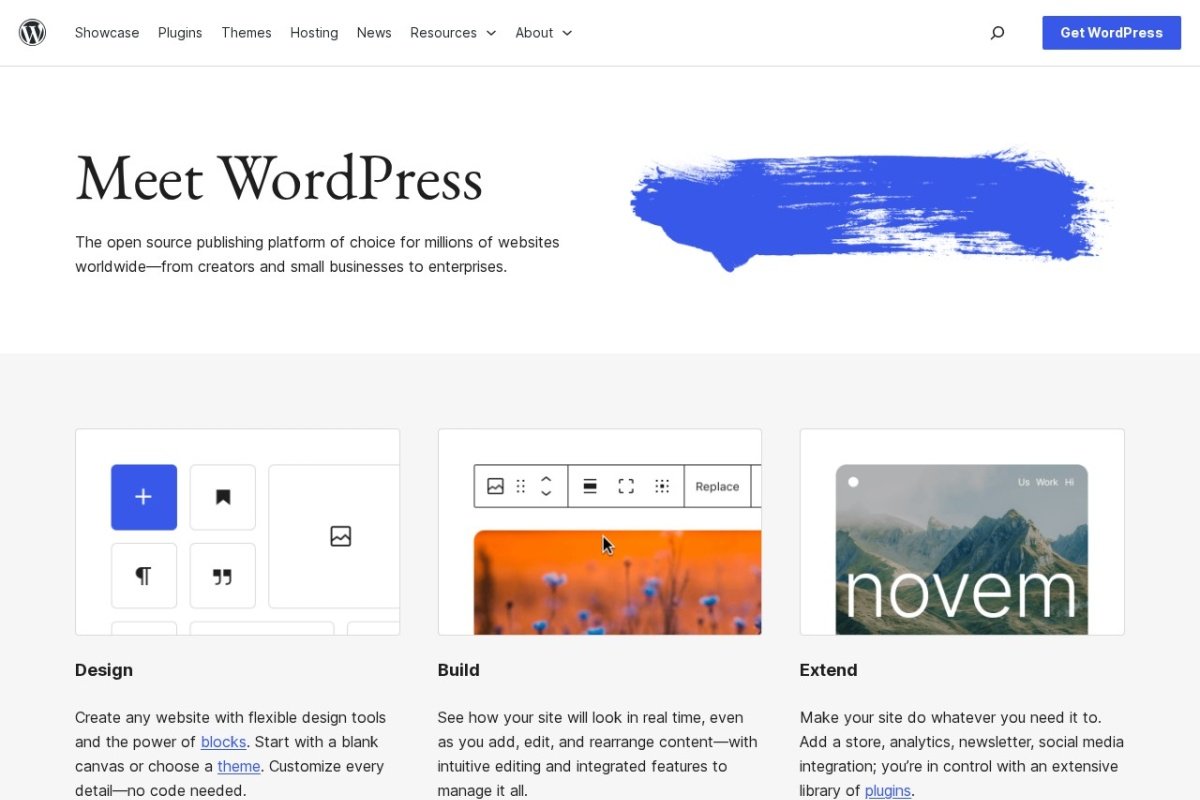
Hosting from £2-7/month | Total from £50-150/year
WordPress powers over 40% of all websites for a reason. It is the most flexible, the most powerful for SEO, the cheapest long-term, and it gives you complete ownership of your site. Nobody can change the terms on you or take features away.
But it is also the most demanding. You need to choose a hosting provider, install WordPress, pick a theme, add plugins, and maintain the whole thing yourself.
What is good
Over three years, WordPress is the cheapest option. Hosting starts at £2 to £7 a month. There are 60,000+ themes and 50,000+ plugins. No transaction fees on sales. SEO capabilities with plugins like Yoast or Rank Math are unmatched. You own everything. If you ever want to move hosting provider, you take your entire site with you.
Watch out for
The learning curve is real. Updates, backups, security, and plugin compatibility are your responsibility. If you do not keep things updated, your site can break or get hacked. The introductory hosting prices are misleading. Hostinger at £2.99/month jumps to £10.99 on renewal. Budget for renewal prices, not introductory ones.
Real cost over 3 years
DIY WordPress: £160 to £560 total. With a developer for initial setup: £600 to £1,800. Wix over the same period: £690 to £2,080. Squarespace: £660 to £1,690. WordPress is cheapest long-term, but only if you can manage it yourself.
UK compliance
Choose a UK-based hosting provider and your data stays in the UK, which is the simplest route to GDPR compliance. Providers like Krystal, Heart Internet, and Verpex offer UK hosting with GDPR-compliant infrastructure.
Best for
Business owners who are slightly technical or willing to invest time learning. Growing businesses that need flexibility and control. E-commerce stores where transaction fees eat into margins.
Quick Comparison
| Feature | Wix | Squarespace | WordPress |
|---|---|---|---|
| Skill needed | None | None | Some |
| Annual cost | £108-588 | £144-948 | £50-150 (DIY) |
| Design quality | Good | Excellent | Depends on theme |
| SEO capability | Good | Good | Excellent |
| E-commerce fees | Payment gateway only | 3% (Core) or 0% (Plus) | Payment gateway only |
| Can you leave? | No (locked in) | No (locked in) | Yes (fully portable) |
| Maintenance | Handled for you | Handled for you | Your responsibility |
| UK data hosting | Ireland option | US/EU | UK (if you choose UK host) |
The UK reality check
| Wix | Squarespace | WordPress | |
|---|---|---|---|
| Billed in | GBP | GBP | GBP with UK hosts |
| VAT | Added at checkout | Added at checkout | Depends on host, usually added |
| Renewal trap | Free domain is year one only | 3% transaction fee until the Plus plan | Intro hosting jumps on renewal, Hostinger goes £2.99 to £10.99 |
| Can you leave? | No meaningful export | Content export is partial | Full ownership, move hosts freely |
| UK data | Global infrastructure, no UK residency promise | US and EU servers | Your choice, UK data centres available |
| Real yearly cost | £108 to £300 on the plans most small businesses need | £144 to £348 | £50 to £150 with sensible hosting |
Website builder questions UK owners actually ask
What is the cheapest way to get a UK business online properly?
Wix or Squarespace for a UK small business?
Do these prices include VAT?
Can I move my website later if I outgrow a builder?
Is WordPress too technical for a beginner?
The bottom line
If you are not technical and need a website quickly, Wix gets you online with the least friction. Accept its limits and move on to running your business.
If visual presentation matters and you want something that looks professional without hiring a designer, Squarespace is the strongest option. Every template is polished and responsive.
If you want the best long-term value, SEO performance, and full control, WordPress is the answer. But be honest about whether you will maintain it. An unmaintained WordPress site is worse than a well-kept Wix site.
The best website builder is the one you will actually use, update, and keep relevant. A beautiful site that says the same thing it said two years ago is not a marketing asset. It is a digital tombstone.
Already have a website but not sure if it is working?
Our free growth report audits your site and tells you what to fix first.
Get Your Free Growth Report