Last Updated on October 16, 2026
Some links in this article are commission-based, meaning we may earn a small fee if you purchase through them, at no extra cost to you. They do not buy a place in any ranking. Full disclosure: https://whito.co.uk/how-we-make-money/ and https://whito.co.uk/review-methodology/
There is a specific place where dental websites die: the contact form that says “we will get back to you shortly”, feeding an inbox checked between patients, answered in four days, by which time the new patient has booked with the practice up the road that let them pick a Tuesday slot at 11pm from their sofa. Everything in this guide works backwards from that moment: a person, often a nervous one, trying to become your patient with the least human contact possible.
The rest of our dental coverage is at whito.co.uk/dentists/.
Two homepages, one patient
Picture the patient who has just moved to Didsbury, searching at 9pm.
Homepage one: a stock photograph of an American smile. “Welcome to Riverside Dental Care. Our friendly team looks forward to welcoming you to our state-of-the-art practice.” A carousel. A “Contact us” button leading to a form. No fees, no clue about NHS or private, no names.
Homepage two: “Dentists in Didsbury. New patients welcome, private and NHS availability shown live. New patient exam £65.” A “Book online” button that opens a diary. A photo of the actual front desk and the actual team. Two lines: “Nervous? Tell us when you book. It changes how we run your first visit.”
Both practices might be equally good at dentistry. Only one gets to prove it. Notice that the second homepage answered the three questions every patient arrives with, price, NHS-or-private, and can-I-book-now, before showing a single interior shot.
Proof, in the order regulators built it
Dentistry comes with a proof stack most industries would kill for. Use all three layers:
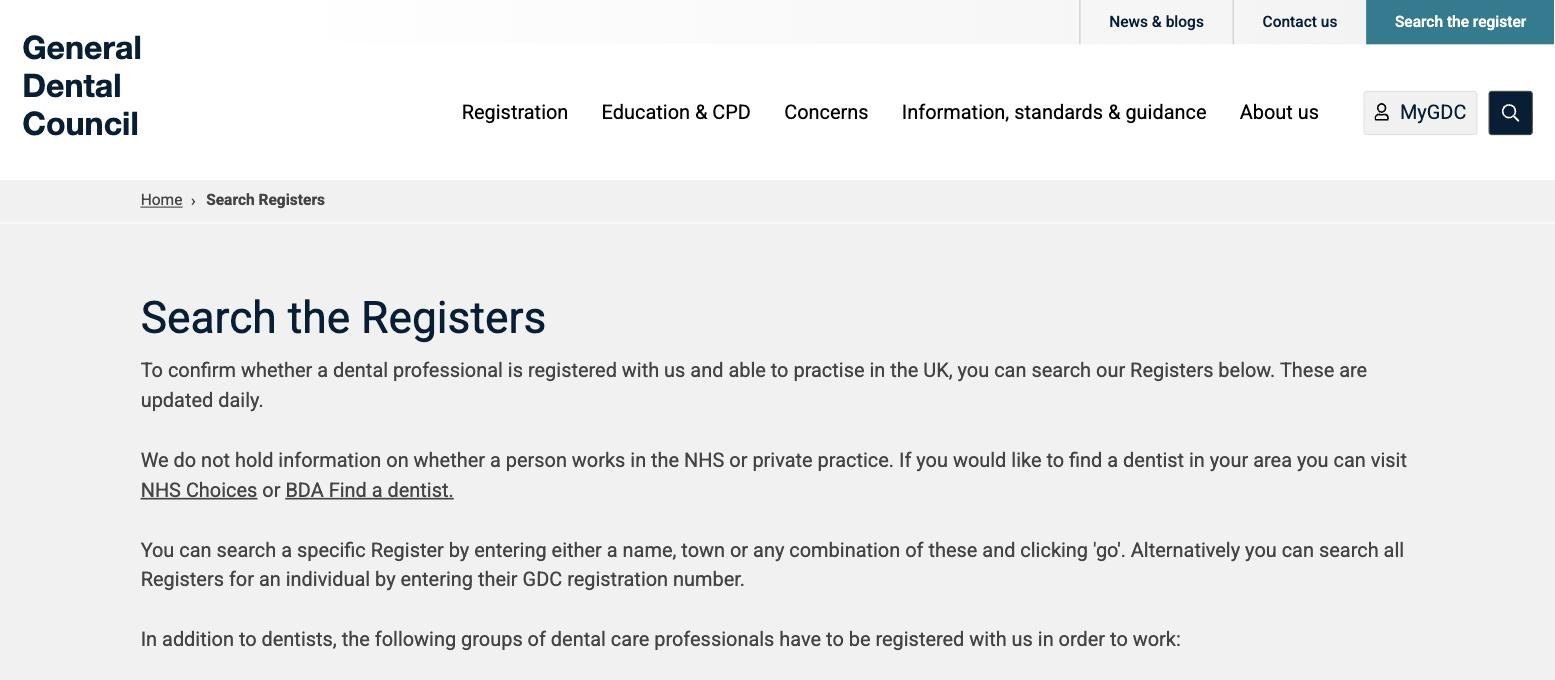
GDC, by name. Every clinician on a “Meet the team” style page with their full name, role and GDC number, matching the register. This is not decoration; naming the treating clinicians is what the GDC’s guidance expects of practice advertising, and patients increasingly check. Link each name to the register search so they can.
CQC, linked not paraphrased. Your practice has a public CQC page and a rating. Link it from the footer and the About page. A practice that links its own inspection reads as a practice with nothing to hide, which is exactly the emotional question a nervous patient is asking.
Photography with rules. Real practice, real team, real rooms. For clinical results, one rule with no exceptions: your own patients, with written consent, unedited, or nothing. A borrowed or stock before/after is the single fastest way to turn a GDC complaint into a formal one, and patients have become good at smelling perfect teeth that never sat in your chair. If you have no consented cases yet, photograph the surgery and the sterilisation routine instead. Calm beats cosmetic.
The pages, and the two that make the money
Eight pages, named the way patients think:
- Home
- New patients (fees included)
- Emergency dentist
- Check-ups and hygiene
- NHS and private, explained
- Invisalign / implants (whichever you actually sell)
- Meet the team
- Contact and parking
New Patients is the money page
It answers, in this order: are you taking new patients (say it in the first line, NHS and private separately, because they are different answers), what the first visit costs, what happens at it, how to book, and what you do differently for nervous patients. Publish the fees. “New patient exam £65, hygiene from £58, check-up £42.” A fees page that says “contact us for prices” reads as “brace yourself”, and the patient who cannot see a number assumes a big one. If NHS bands apply, state the current band charges plainly and say what each band covers. Price honesty is not generosity; it filters out the calls you did not want and pre-sells the ones you did.
Emergency is the second front door
“Emergency dentist [town]” is searched every morning by someone in genuine pain, and most practice sites answer it with a services paragraph. Give it a page: what counts as an emergency, when you hold same-day slots, exact cost of an emergency appointment, what to do at 2am (111, not your voicemail). Honesty about what you cannot do builds more trust than pretending to be an A&E.
Booking is the conversion, everything else is foreplay
If patients can book, or at minimum request a real slot, online, you win the 9pm decision. Practice management systems like Dentally or Cliniko-style diaries offer embeddable booking; whatever your PMS supports, surface it as a button in the header of every page, not a link in the footer. If genuine online booking is impossible with your system, the fallback is a request form that offers three concrete time windows and promises a reply by a stated time, then keeps the promise.
The nervous patient test
Five seconds on a phone. The fold must show: the practice name and town, “new patients welcome” (if true), one fee, a Book button, and a phone number for the generation that still prefers it. One more element earns its place here: the sentence for nervous patients. Roughly a third of adults dread you; being the practice that mentions it first is a positioning move disguised as kindness.
A mobile homepage layout for a dental practice: the practice name and town, a line saying new patients welcome with the exam fee of £65, a book online button, a tappable phone number, and a line inviting nervous patients to say so when booking.
A fold that books nervous people
Dentists in Didsbury
New patients welcome
New patient exam £65
“Nervous? Tell us when you book. It changes how we run your first visit.”
One fee, one button, one kind sentence. The nervous-patient line is a positioning move disguised as kindness.
Local SEO when you have a building
Unlike the trades, you have premises, and that changes the playbook. Your Google Business Profile uses the full address, opening hours that match reality, “Dentist” as the primary category, and interior photos you took in daylight. Reviews should mention treatments by name; ask the Invisalign patient at the final appointment, not by generic email blast three weeks later. Your service radius is walking-and-parking distance, so your site needs the town and neighbourhood names in headings, not a list of every suburb in the county. If you run one practice, one location page is plenty. Multi-site practices need a page per practice with its own address, team, fees and CQC link, never one “our locations” blob.
Build route: this is a WordPress job
The three ways a dental practice gets a website built: doing it yourself on a website builder (£15–£25/mo), hiring a freelancer (£1,500–£4,000), or a monthly website deal (£100–£300/mo).
What a dental practice website costs in 2026
Do it yourself
£15–£25/mo
A site builder works for a new squat practice with one dentist. Migrate later.
Freelancer
£1,500–£4,000
WordPress build. The default for an established practice that will add clinicians and treatments for years.
Monthly deal
£100–£300/mo
Agency deals are fine only if the practice owns the site and the domain; it matters at valuation.
The bands this guide uses throughout, side by side. Full reasoning in the build-route section below.
Default: WordPress on proper hosting (Hostinger is the host we use and review), built by a freelancer, £1,500 to £4,000. A practice site carries clinician pages, treatment pages, fees, policies and a booking integration, and it will keep growing for years: new associates, new treatments, a second site. WordPress absorbs that; drag-and-drop builders start to fight you around page fifteen. If you take the WordPress route, check current Hostinger UK pricing.
When not to: a brand-new squat practice with one dentist and no treatment menu yet can launch on a builder in a weekend for £15 to £25 a month, and migrate later; our builders comparison covers that path. What you should not do is sign a £250-a-month “dental marketing platform” contract where the practice owns neither the site nor the domain. Practices sell; a website the practice does not own is a problem at valuation.
Either way, the domain belongs in your own account, not your agency’s. Register it with Namecheap under a practice email, and turn auto-renew on. A dental domain lapsing mid-recall-cycle is a small disaster with a £10 prevention.
Recall is email, and email is where the second visit lives
Dentistry is one of the few local businesses where email genuinely earns money, because recall is the business model. Your PMS handles clinical recall; the website’s job is to feed a small, legitimate list, new patient welcome series, a hygiene reminder opt-in, one useful update a quarter. MailerLite is the low-cost way to run that without buying a marketing suite; keep consent records tidy, because health-adjacent lists get no slack under UK GDPR.
Seven mistakes dental sites keep making
- Fees hidden, which patients read as a warning, not an invitation.
- NHS availability left ambiguous, generating daily calls the front desk has to disappoint.
- Stock smiles instead of your own rooms and people.
- Before/afters that are not your consented patients. Career-level mistake, not a marketing one.
- “Meet the team” with no GDC numbers, wasting your best proof.
- The emergency search answered by a generic services page.
- A contact form graveyard where booking should be.
The pre-launch checklist
- Every clinician named with GDC number, matching the register.
- CQC page linked from footer and About.
- New Patients page live with real fees, NHS and private stated separately.
- Emergency page live: criteria, same-day policy, price, out-of-hours instruction (111).
- Online booking, or a slot-request form with a stated reply time, in the header sitewide.
- Nervous patient sentence above the fold.
- Photos: real practice, real team, consented clinical images only, licences clean on anything bought.
- Treatment pages only for treatments you actually provide, named clinician on each.
- Complaints procedure and privacy policy published.
- Google Business Profile: address, hours, “Dentist” primary category, interior photos.
- Five recent Google reviews, treatment names in at least two.
- Domain in the practice’s own Namecheap account, auto-renew on.
- Forms and booking tested end to end on a phone, twice, including the confirmation email.
- Google Search Console verified, sitemap in. Free, and the only analytics you need this quarter.
- The whole site read once by your most sceptical receptionist.
The first 30 days
Week one: text the review link to ten patients who said something nice on the way out, and brief the front desk to mention booking online. Week two: check where booking attempts drop off (your PMS or booking widget shows this) and remove one step. Week three: Search Console will show your first queries; if “emergency” terms lead, move emergency higher in the nav. Week four: publish one genuinely useful page (what a hygiene visit involves, with your prices), and send the first quarterly email to the small list you have started.
Four questions practice owners ask
Do we really have to show fees? You have to show them to compete, and transparency expectations from regulators and patients only move one way. Patients read hidden prices as a warning and book where a number is visible.
Is online booking safe with our diary? Restrict it: new patient exams and hygiene only, buffered slots, no surgery time bookable. Ninety percent of the benefit comes from those two appointment types alone.
Can we use AI or stock images of smiles? For decor, if licensed for use without attribution, sparingly. For anything implying a clinical result, never. Your real waiting room photographed on a sunny morning outperforms every stock smile anyway.
What about Instagram instead of a website? Instagram is where existing patients confirm you are human. The website is where strangers check your GDC numbers, your fees and your booking diary. One replaces the other in neither direction.