
Last Updated on September 17, 2026
Cash flow is the number one killer of UK businesses. Not bad products. Not tough competition. Not the economy. Cash flow.
A business can be profitable on paper and still collapse in a month if customers don’t pay on time. This isn’t theoretical. It’s happening right now to thousands of UK business owners.
Most business owners treat invoicing as admin. A necessary evil. Tick the box, send the invoice, move on. But invoicing isn’t admin. It’s your revenue system. How you invoice, when you follow up, what terms you set, and how easy you make it to pay determines whether your customers pay you in 14 days or 60.
The right invoicing software changes this. Looking professional helps. But the real shift is turning invoices from something you send into something that actually gets paid.
The Whito stage check
The real cost of a late invoice
A late invoice costs you twice: the cash you cannot use, and the time you spend chasing it. UK law already lets you recover some of that.
Under the Late Payment of Commercial Debts (Interest) Act 1998, a business customer who pays late can be charged statutory interest of 8% plus the Bank of England base rate, and a fixed sum towards recovery costs: £40 on a debt up to £999.99, £70 from £1,000 to £9,999.99, and £100 on £10,000 or more. You claim interest by sending a new invoice. You cannot claim statutory interest if your contract sets a different rate.
The base rate that counts is the one in force on 30 June for invoices that go late between 1 July and 31 December, and on 31 December for the first half of the year. Bank Rate was 3.75% on 30 June 2026, so statutory interest on invoices going late in the second half of 2026 is 11.75% a year.
Worked example. A £5,000 invoice paid 30 days late: £5,000 x 11.75% / 365 is about £1.61 a day, so £48.29 in interest, plus the £70 fixed sum. That is £118.29 you are entitled to ask for, more than a year of many invoicing plans.
If you have not agreed a payment date, GOV.UK says payment is late 30 days after the customer gets the invoice, or after you deliver the goods or service if that is later. Agreed terms for business customers should usually be no more than 60 days. We explain what the government’s Commercial Payments Bill would and would not change in our late payment interest explainer. This is general information, not legal advice.
Making tax digital: What you actually need to know
If you’re a sole trader or landlord, there’s a new compliance requirement you need to understand: Making Tax Digital for Income Tax (MTD), managed by HMRC.
Since 6 April 2026, sole traders and landlords with qualifying income over £50,000 have had to use MTD-compatible software to keep digital records and send quarterly updates to HMRC.
The threshold is dropping. From April 2027, the limit drops to £30,000. From April 2028, it drops to £20,000. If you’re currently below these thresholds, this matters less now. If you’re above them, it matters immediately.
What does MTD-compatible mean? Your invoicing software must be able to record income and expenses and submit data directly to HMRC. You’ll make 5 submissions per year: 4 quarterly submissions plus a year-end reconciliation.
Before you rely on any product, look it up on HMRC’s own software finder, linked from the GOV.UK software guidance. The “MTD Compatible” column below is a guide, not a guarantee.
If your current software is not on HMRC’s list and you are over the threshold, switch before your next quarterly update is due.
Invoicing software comparison: UK pricing 2026
| Tool | Starting Price (GBP/month) | Best For | MTD Compatible | Key Strength |
|---|---|---|---|---|
| Xero | £18 | Growing businesses needing full accounting | Yes | Unlimited users on all plans |
| QuickBooks | £10 (£1/mo first 6 months) | Self-employed and sole traders | Yes | Cheapest entry point, fast VAT MTD integration |
| FreshBooks | £16 | Freelancers and service businesses | Yes | Beautiful interface, excellent time tracking |
| Zoho Invoice | Free (500 invoices a year, 2 users) | Part-time freelancers and startups | Yes | No-cost option for light usage |
| Tide | Free (3 invoices/mo), £5.99+VAT for more | Micro-businesses and sole traders | In development | Integrated bank account (optional) |
| PayPal Business | Free | Businesses already using PayPal | Limited | Zero cost, PayPal payment integration |
| Wave | Free | Not available to new UK customers | Yes (existing accounts) | Formerly popular but exiting UK market |
Individual tool reviews
Xero: The complete business solution
Best for: Businesses that want full accounting software, not just invoicing. Growing companies with multiple team members.
What works well: Xero is genuinely complete. Invoicing, expense tracking, inventory, payroll, multi-currency support, and full integration with bank feeds. The interface is clean and logical. All plans include unlimited users, which is genuinely valuable if you’re sharing access with an accountant or team members. The mobile app works properly. Most importantly, Xero is built by and for accountants, so compliance features don’t feel bolted on.
What falls short: You’re paying for features you might not need. If you just need invoicing, Xero is overengineered. The reporting can feel overwhelming for beginners. Time tracking is basic. Payment reminders aren’t automatic.
UK Pricing (ex-VAT):
- Ignite: £18/month (20 invoices and quotes, 10 bills)
- Grow: £39/month (payroll for one person)
- Comprehensive: £55/month (payroll for five)
- Ultimate: £70/month (payroll for ten)
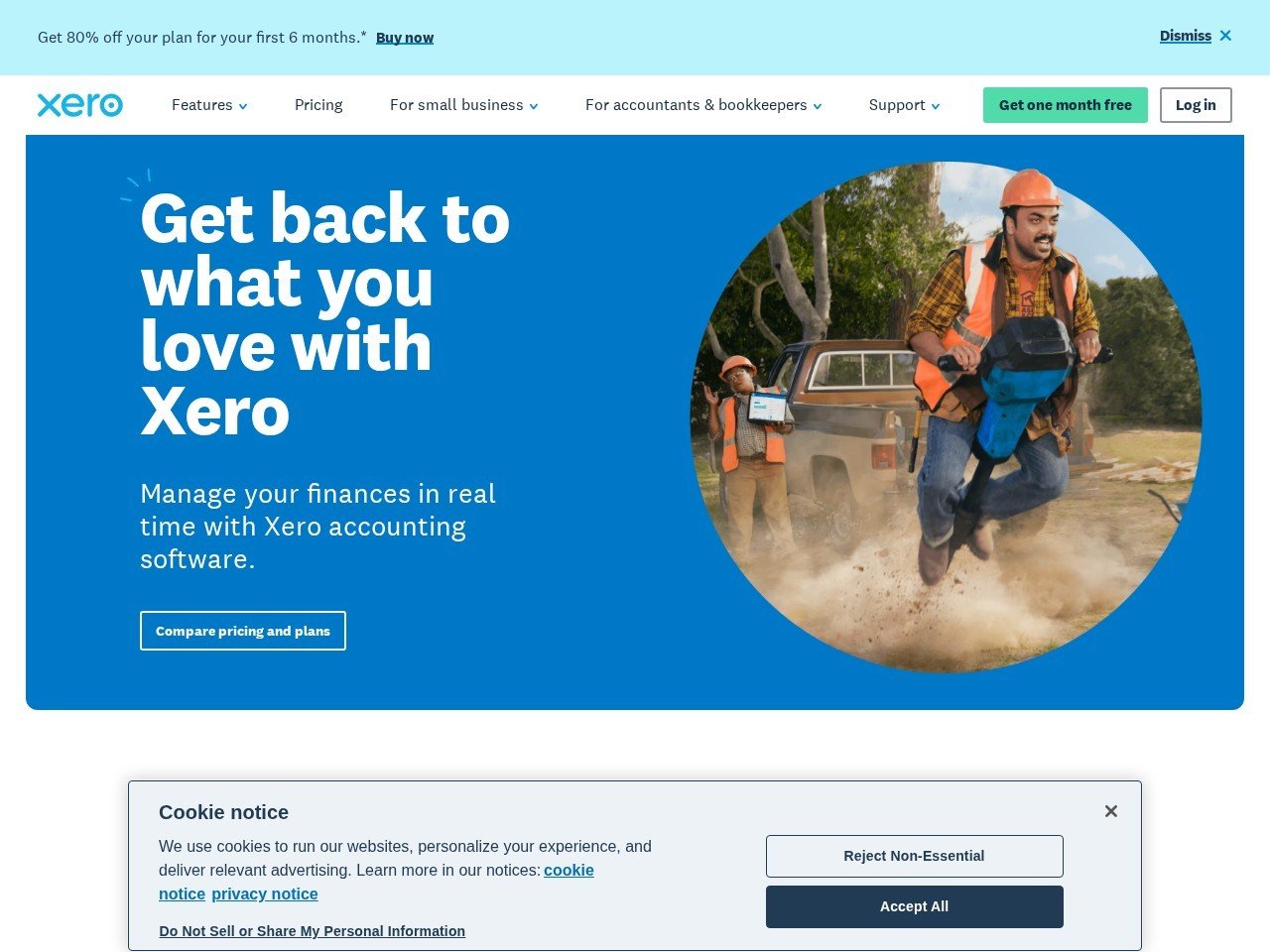
- New customers get 90% off for the first six months (checked 15 September 2026).
MTD Compatible: Yes, fully integrated.
Verdict: If you’re scaling beyond solo operation and need proper accounting software, Xero is the most solid choice in the UK market. You pay more, but you get a platform that grows with you. For solo freelancers, it’s overkill.
QuickBooks: The affordable option
Best for: Sole traders, self-employed, and businesses on tight budgets. First-time accounting software users.
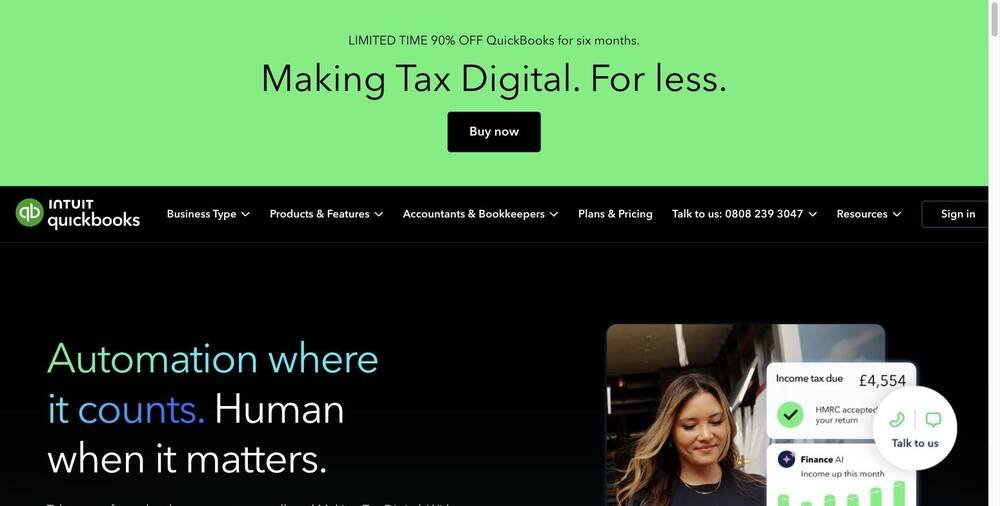
What works well: Price is the obvious answer. £1/month for the first 6 months makes it nearly free to try. After that, it’s £10/month. For that price, you get invoicing, expense tracking, and income tracking that actually works. The QuickBooks mobile app is genuinely useful. VAT returns to HMRC are included from Simple Start upwards. The interface is simpler than Xero, which is actually helpful if you’re new to accounting software.
What falls short: After the promotional period, you’re locked into the subscription. Fewer integrations than Xero. Full payroll support is missing on lower plans. Time tracking is limited. Customer support is not UK-based.
UK Pricing (ex-VAT):
- Sole Trader Plus: £10/month
- Simple Start: £16/month
- Essentials: £38/month
- Plus: £56/month
- Advanced: £123/month
- New customers get 90% off for the first six months (checked 15 September 2026).
MTD Compatible: Yes, all plans.
Verdict: If you’re a sole trader with gross income under £50,000 and you want something simple and cheap, QuickBooks is unbeatable value. The introductory pricing makes it risk-free to test. Recommended.
FreshBooks: The freelancer’s choice
Best for: Freelancers, service businesses, and consultants who need invoicing and time tracking. Businesses sending 50+ invoices per month.
What works well: FreshBooks looks better than the competition. The invoicing templates are genuinely beautiful, which matters because clients see them. Time tracking is integrated and excellent. Client portals mean customers can see project progress and expenses. Payment reminders are automatic. The interface is intuitive without being childish. Reporting is clean and focused on what matters: invoiced vs. paid, aging reports, profit margins.
What falls short: It’s not full accounting software. Expense tracking exists but feels secondary. Payroll is missing. The free tier is gone. UK pricing is less competitive than QuickBooks. Reports are good but not as detailed as Xero’s.
UK Pricing (ex-VAT):
- Lite: £16/month (up to 5 clients)
- Plus: £30/month (up to 50 clients)
- Premium: £42/month (unlimited clients)
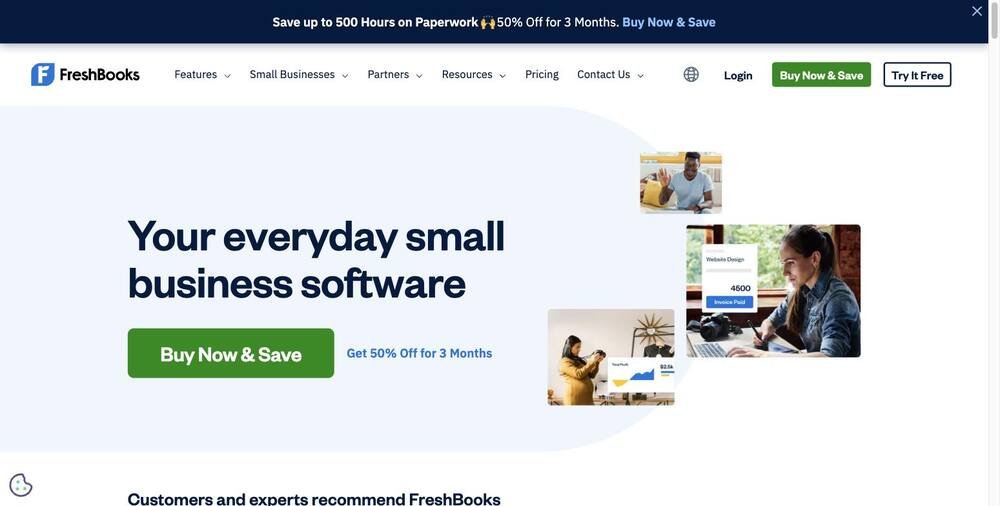
- Extra team members cost £8 a month each, and new customers get 50% off for three months (checked 15 September 2026).
MTD Compatible: Yes.
Verdict: If invoicing is 80% of your software needs and time tracking matters, FreshBooks is the best experience in this category. You’ll spend more than QuickBooks, but the invoices look better and the UX is smoother. Worth it for service businesses.
Zoho invoice: The budget option
Best for: Part-time freelancers, startups, and businesses with low monthly invoice volume. Testing before committing to paid software.
What works well: The free plan covers up to 500 invoices a year, two users and three projects at zero cost, with “Powered by Zoho Invoice” branding. There are no paid plans. Mobile app exists and works. Basic expense tracking is included. Integration with Zoho’s broader ecosystem is smooth if you use other Zoho products.
What falls short: The free plan caps you at two users, which limits team sharing. Invoicing customization is basic compared to FreshBooks. Time tracking is absent. Zoho deletes a user’s data after more than 180 days of inactivity, with a warning first. Reports are functional but minimal. The UI feels more clunky than competitors.
UK Pricing:
- Free: 500 invoices a year, 2 users, 3 projects
- No paid plans (checked 15 September 2026)
MTD Compatible: Yes.
Verdict: Unbeatable for cost-conscious solopreneurs. The free plan is legitimate and useful. Move to accounting software when you outgrow it. No risk in starting here.
Tide: The banking-first approach
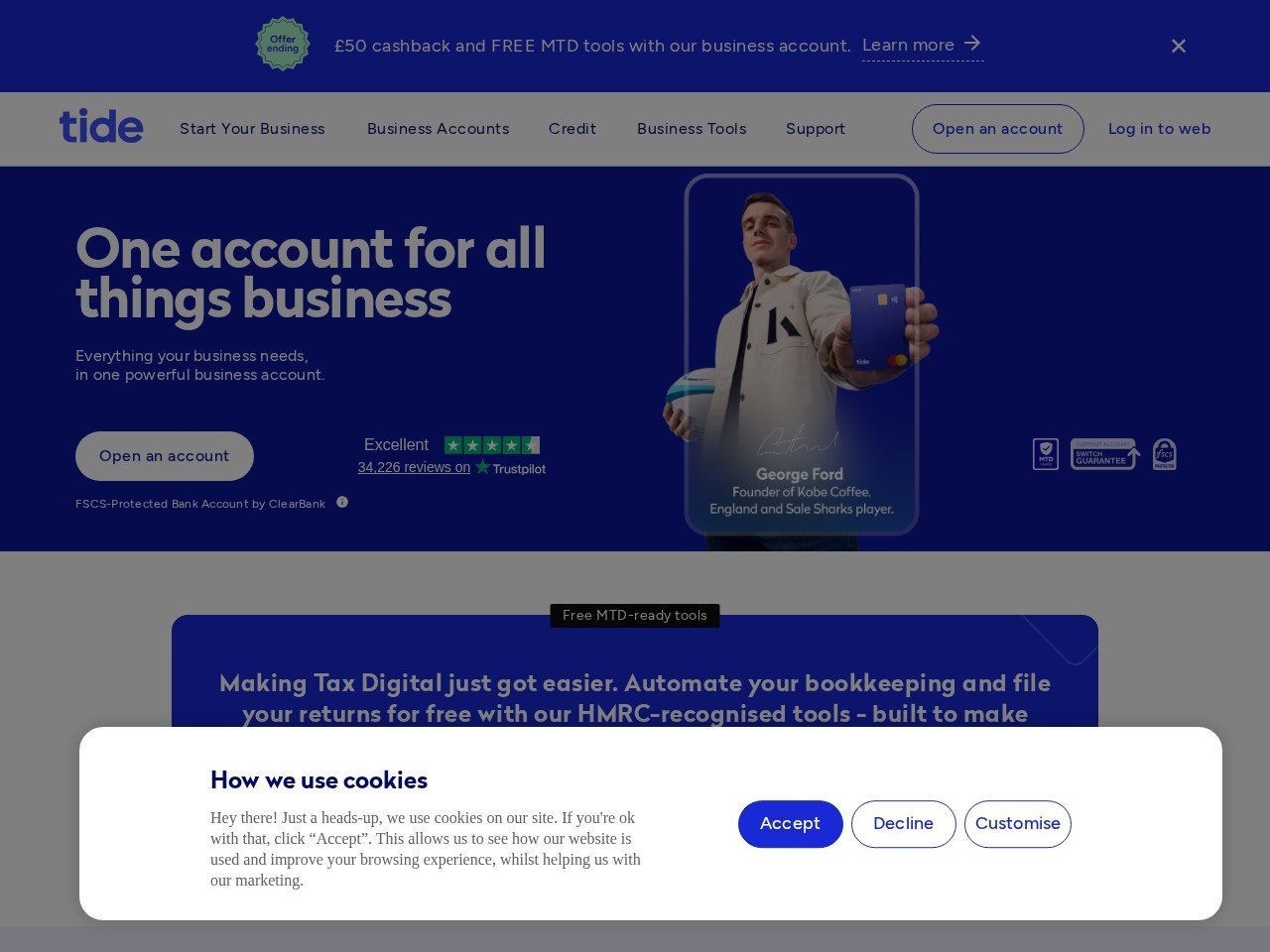
Best for: Sole traders who want invoicing plus a business bank account. Businesses wanting simplified financial management.
What works well: Tide combines invoicing with an optional business bank account, which is genuinely useful. You can issue an invoice and receive payment in the same app. The first 3 invoices per month are free, which covers some solo traders entirely. The mobile app is well designed. Account opening is fast. Transaction categorization is automatic if you use their bank account.
What falls short: The free tier caps you at 3 invoices per month, which is restrictive. MTD integration is still in development, so it’s not a full solution yet. Full accounting features are limited. If you don’t use their bank account, it’s just another invoicing tool but more expensive than alternatives. Customer support feels lean.
UK Pricing:
- Free: 3 invoices/month
- Invoice Assistant: £5.99+VAT per month for unlimited invoices
- Bank account optional (separate charges apply)
MTD Compatible: In development.
Verdict: Interesting for sole traders who want simplicity and are willing to bank with Tide. The invoicing alone isn’t compelling enough compared to cheaper alternatives. Worth considering if you want the bundled bank account.
PayPal business: The zero-cost option
Best for: Businesses already using PayPal. Micro-businesses testing invoicing. Businesses that don’t need formal accounting.
What works well: It costs nothing. PayPal invoicing is genuinely free. If a customer pays via PayPal, it’s instant. The PayPal business app is functional and accessible. Integration with PayPal’s payment processing is built-in. No sign-up friction.
What falls short: It’s not accounting software. You get invoicing, full stop. No expense tracking. No reporting. No VAT handling. No time tracking. MTD compliance is very limited. It won’t scale beyond basic invoicing. Most customers won’t take it seriously as your invoicing system because it screams “I haven’t upgraded yet.”
UK Pricing: Free.
MTD Compatible: Limited support.
Verdict: Use this as a starting point if you’re completely new and want zero commitment. Graduate to proper software as soon as you’re invoicing regularly. Don’t build your business on this.
Wave: No longer available to new UK customers
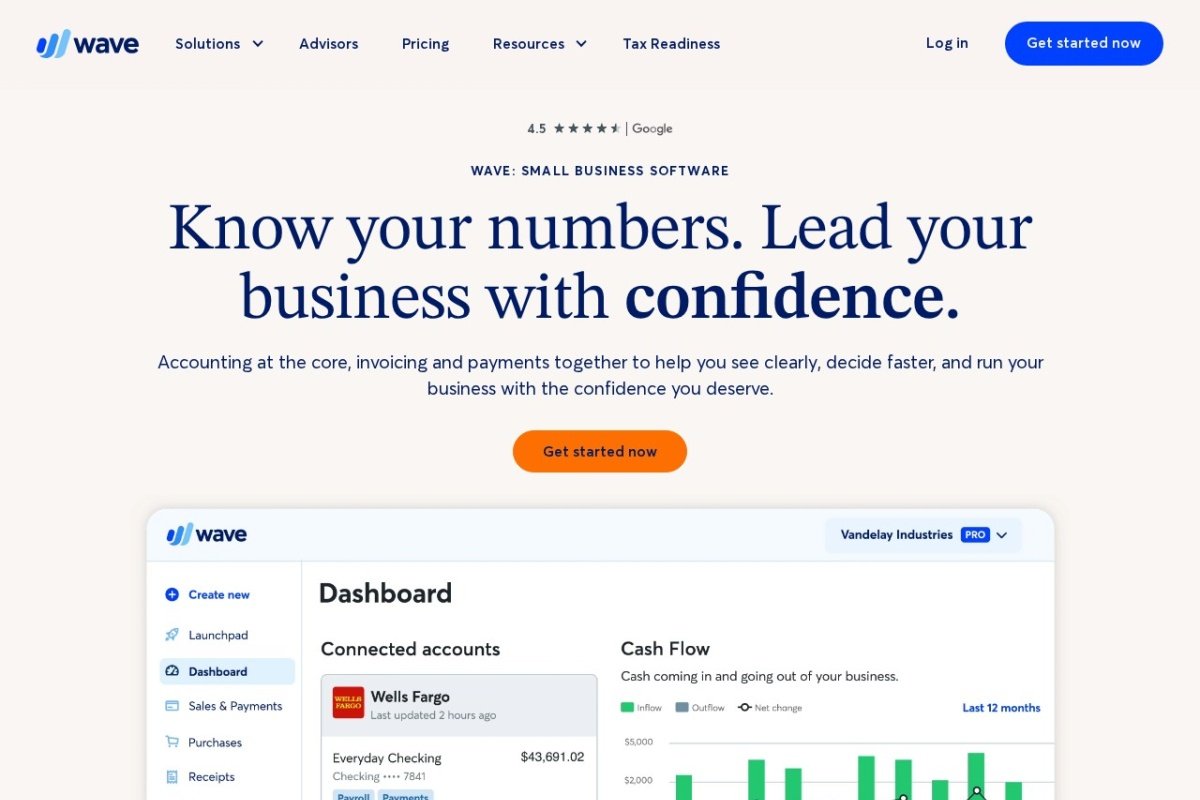
Best for: Existing UK Wave users only.
What it was: Wave was a beloved free invoicing tool in the UK. Unlimited invoicing, basic accounting, no cost. Many businesses built on it.
What changed: Wave is exiting the UK market for new customers. Existing accounts can continue using the service, but you cannot sign up for a new Wave account if you’re in the UK. This is a significant shift for business finance in the UK market.
Verdict: If you’re already using Wave, keep using it. If you’re new, choose one of the other options above.
7 Invoicing mistakes that cost UK businesses money
These are real mistakes we see UK business owners making. Each one costs money.
1. Setting payment terms you don’t enforce. You write “Net 30” on the invoice, then don’t follow up until day 60. The customer gets used to paying when they feel like it. After a few invoices, they think 60 days is normal. Change this: set realistic terms, then stick to them. Follow up automatically at day 25. Most people just forgot.
2. Making payment difficult. Your invoice is a PDF email attachment. The customer has to download it, remember the amount, and find your bank details in a different email. Make it frictionless: include a “Pay Now” button that takes them directly to payment. Every click you remove is money paid faster.
3. Invoicing the wrong person. You invoice the purchasing manager, but the accountant is the one who approves payment. The email sits in the wrong inbox for a week. Know who approves payment before you send the invoice. Send it to the right person.
4. Hiding payment methods. You only accept bank transfer, but the customer is used to card payments. They forget to process it or miss the instructions. Offer multiple payment methods if possible. Make the instructions obvious.
5. No invoice follow-up system. You send the invoice and hope. Days pass. You forget to follow up. By the time you remember, 30 days has become 45 days. Use software with automatic reminders. Set your own calendar alert. Do something. Passive invoicing doesn’t work.
6. Inconsistent invoicing. Sometimes you invoice weekly, sometimes monthly. Customers don’t know when to expect bills. Standardize. Invoice on the same day every month. Predictability leads to faster payment.
7. Not tracking who owes you what. You have invoices scattered across emails, folders, and scraps of paper. You don’t know which invoices are overdue. Proper software solves this in 10 seconds. Using Excel doesn’t. A shoebox definitely doesn’t.
How to choose: The decision framework
Stop comparing features. Most invoicing software does the same thing. Choose based on these criteria instead.
How many invoices will you send per month? If it’s fewer than 10, Zoho’s free tier or Tide’s free plan covers you. If it’s 10-100, QuickBooks or FreshBooks. If it’s 100+, you need the full-featured options like Xero or FreshBooks Plus.
Do you need full accounting or just invoicing? If you’re a sole trader doing your own books, Xero or QuickBooks handle everything. If you’re a freelancer and your accountant handles everything, FreshBooks is enough.
Will your team need access? Check unlimited users. Xero includes them on all plans. Zoho and Tide limit the free tier. This matters if you’re sharing access with an accountant or team member.
Are you above the MTD threshold? If you’re a sole trader with £50k+ income, you need MTD compatibility from April 2026. All our recommended tools are compatible or will be. Wave and PayPal Business are the exceptions.
What’s your budget? £10-20/month is realistic. If you’re paying more than £60, you’re probably using more than invoicing.
Do you already use other software? Check integrations. If you already run Xero or QuickBooks, invoice from there instead of adding another tool. If you’re in the HubSpot ecosystem, check which invoicing tools integrate. Don’t build disparate systems.
Invoicing software by business type
Sole Traders: QuickBooks Sole Trader Plus (cheap, MTD-ready) or Xero Ignite (if you want full accounting). Both handle MTD submissions. Check your income threshold against the April 2026 deadline.
Tradespeople and Installers: FreshBooks if you have team members using it. QuickBooks if you want to minimize costs. Both handle the high volume of invoicing. Consider reading our guide on marketing for tradespeople to pair with your invoicing strategy.
Freelancers and Consultants: FreshBooks for the time tracking and beautiful invoices. QuickBooks if budget is tight. Zoho Invoice if you’re just starting. The time tracking in FreshBooks justifies the extra cost if you bill by the hour.
Small Agencies: Xero Grow or Comprehensive. You need unlimited users, expense tracking, and reporting. QuickBooks can work, but Xero scales better as you add staff. You may also want to review HubSpot for CRM integration with your invoicing.
Mobile Service Businesses: FreshBooks or Zoho Invoice with strong mobile apps. You’re invoicing on-site and need instant access from your phone. The app experience matters as much as the web version.
Landlords with Multiple Properties: Xero handles multi-property accounting well. QuickBooks works but feels clunkier for this use case. Both are MTD-ready for the new April 2026 threshold.
Where invoicing software falls short
Let’s be honest about what these tools don’t solve.
They don’t make customers pay faster if the customer doesn’t want to. Software can make paying easier and remind customers. It can’t force someone who’s struggling with cash flow to pay sooner. If your customer is intentionally delaying payment, invoicing software is a band-aid on a relationship problem.
They don’t help with pricing strategy. Software records what you invoiced. It doesn’t tell you whether you’re charging enough. That’s a separate problem that requires knowing your costs and your market.
They don’t solve scope creep. If you invoice for 10 hours but worked 20, the problem isn’t software. The problem is your sales process and contract clarity. Good invoicing software makes this visible, but it doesn’t fix it.
They don’t handle genuinely difficult customers. Some customers will pay late no matter what software you use. Some will dispute invoices. Some will ghost you. Software makes everything else easier, but you’ll still need a process for genuinely difficult situations.
They can’t diagnose why invoices are late. Is it a cash flow problem? A process problem? A relationship problem? An error in the invoice? Software shows you what’s overdue. Fixing it requires investigation and action outside the software.
Use invoicing software for what it’s genuinely good at: making invoicing consistent, visible, and easy to track. Don’t expect it to solve cash flow problems caused by bad pricing, bad processes, or bad relationships.
Bottom line
Invoicing software matters because cash flow matters. One £5,000 invoice paid a month late can carry more than £100 in statutory interest and recovery costs that most owners never claim.
The right software doesn’t solve this entirely. But it dramatically improves your odds. It makes invoicing systematic instead of chaotic. It reminds you to follow up. It makes paying you easier. It gives you visibility into who’s about to cause problems.
For most UK business owners, the choice is between QuickBooks (if you want cheap and simple), Xero (if you want full accounting), or FreshBooks (if you’re a service business that bills by the hour or project). All three are MTD-compatible. All three work for UK businesses. All three have plans under £50 a month.
Start with whichever fits your business type. You can switch later. What matters is starting now, not waiting for the perfect tool. Consistent invoicing beats perfect invoicing every time.
And remember: invoicing software is a system. Set it up properly the first time. Clear payment terms. Consistent invoice dates. Automatic reminders. Multiple payment methods. Then use the data the software gives you to improve your process month by month.
That’s how you turn invoicing from admin into a revenue system.
Next steps
Before you choose software, understand your full financial picture. Run our free Visibility Check to see how findable and trusted your business looks before you spend on anything else.
You’ll also find recommendations for accounting software, payment processors, and CRM systems that work together with invoicing. View our full guide to accounting software for UK businesses for a deeper dive into Xero, QuickBooks, and alternatives.
If you’re a tradesperson, service provider, or consultant, your invoicing strategy depends on how you market. Marketing for accountants and marketing for tradespeople both cover invoicing as part of your overall strategy.
And if you haven’t set up your Google Business Profile yet, that’s step one of any local service business. Learn how to optimize your Google Business Profile for UK businesses so customers can find you before you’re even invoicing them.
Start with the tool that fits your business right now. Improve your invoicing process month by month. Track what’s working and what’s not. That’s how you solve the cash flow problem.
See how real UK businesses do this well
Our Stolen With Pride series breaks down smart marketing moves from real UK businesses. No theory, just practical ideas you can use. See how Surreal Cereal turned LinkedIn into a free marketing channel, how Bloom & Wild’s email opt-out built more loyalty than any campaign, and more.
Pricing reviewed June 2026; Xero, QuickBooks, FreshBooks and Zoho re-checked 15 September 2026. Tools change their prices often, so always confirm the current figure on the vendor site before you buy.
Frequently asked questions
Which invoicing software is best for a UK business?
If you only need to send neat, professional invoices and chase payment, a dedicated invoicing tool is lighter and cheaper than full accounting software. Freelancers and sole traders often prefer the simplicity. The best choice is whatever gets a correct, branded invoice out the door in under a minute.
Is the free version of invoicing software enough?
Many tools let you send a limited number of invoices for free, which suits low-volume sole traders well. You typically pay once you need recurring invoices, payment reminders, or more clients. Start free, and upgrade only when chasing payments by hand becomes the bottleneck.
Can the software handle UK VAT and online payments?
Good UK invoicing tools add VAT correctly, show your VAT number, and let clients pay by card or bank transfer through the invoice. Card payment usually carries a small processing fee per transaction. Check the VAT handling matches your registration status before you send anything to a client.
Should I use standalone invoicing or full accounting software?
If invoicing is all you need today, a focused tool keeps things simple and affordable. Once you are juggling VAT returns, expenses, and bank reconciliation, full accounting software is the better home. Structure before scale: pick the lighter tool now and graduate when your bookkeeping genuinely outgrows it.
The UK reality check
| Xero | QuickBooks | FreshBooks | Tide | |
|---|---|---|---|---|
| Billed in | GBP | GBP | GBP | GBP |
| VAT | Add 20% | Add 20% | Add 20% | Add 20% to the £5.99 |
| Free option | No, promos only | No, promos only | No | 3 invoices a month free |
| Payment chasing | Automatic reminders | Automatic reminders | Automatic reminders and late fees | Basic |
| Trap to know | 90% off for six months, then full price (rose 1 Sept 2026) | Promo ends at month 7, budget full price | Lite plan caps billable clients | Invoicing is a hook into banking |
| MTD ready | Yes | Yes | VAT via bridging | Not an accounts package |
Invoicing questions UK businesses actually ask
What is the cheapest way to invoice properly in the UK?
Does automated payment chasing actually work?
Do I need invoicing software or accounting software?
Can I add late payment interest to UK invoices?
Do these prices include VAT?