
Last Updated on April 6, 2026
Canva has become the default design tool for UK small businesses without an in-house designer. But is the Pro plan worth paying for? This Canva review UK breakdown covers everything you need to decide.
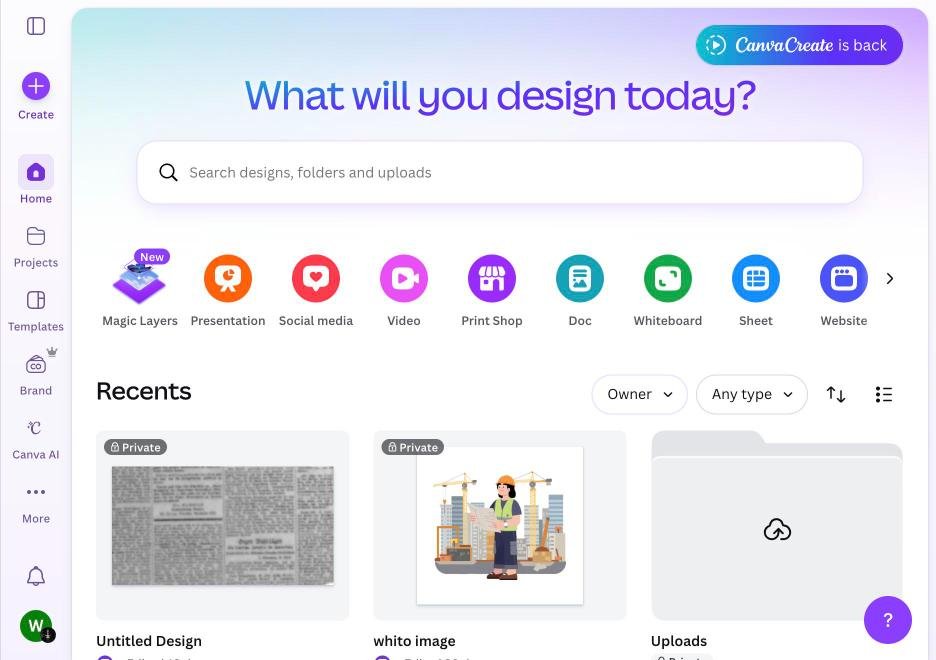
It removes the biggest barrier to professional-looking marketing materials: the need for a graphic designer. Social media posts, presentations, flyers, email headers, and even basic video editing are all possible without any design experience.
The question is not whether Canva is useful. It obviously is. The question is where it genuinely adds value and where it creates a false sense of quality.
Note: Canva Pro is one of the highest-value software subscriptions for UK small businesses at around £10 per month. If you create any marketing visuals, the brand kit feature alone justifies the cost by ensuring consistency across everything you produce.
Pricing
| Plan | Price | Key Features |
|---|---|---|
| Free | £0 | 250,000+ templates, basic design tools, 5GB storage |
| Pro | ~£10/month (annual) | Brand kit, background remover, 100+ million premium assets, 1TB storage, AI tools |
| Teams | ~£12.50/person/month | Shared brand assets, approval workflows, team collaboration |
Strengths
Speed. Creating a professional social media graphic takes minutes, not hours. The template library is enormous and covers virtually every format: Instagram posts, LinkedIn banners, Facebook ads, A4 flyers, business cards, presentations, and more. Start with a template, customise it, and export.
This Canva review UK guide is based on extensive use across multiple small business marketing teams.
Brand Kit (Pro). Upload your logo, set your brand colours and fonts, and Canva applies them across templates automatically. This is transformative for businesses without a designer. Consistency becomes effortless rather than an ongoing battle.
AI features. Magic Design generates layouts from text prompts. Background remover handles product shots. Magic Write generates copy suggestions. Text-to-image creates custom illustrations. These are not gimmicks. They genuinely accelerate the design process.
Collaboration. Share designs with team members for feedback and editing. Create templates that your team can customise without breaking the brand guidelines. For businesses with multiple people creating content, this prevents the visual chaos that usually results.
Presentations. Canva presentations are often better-looking than PowerPoint defaults. For pitches, proposals, and client reports, the template quality is noticeably higher. Present directly from Canva or export to other formats.
Weaknesses
Design ceiling. Canva makes average design easy. It does not make great design easy. For truly custom, premium brand work like logo design, complex layouts, or high-end print materials, you still need a professional designer. Canva templates are recognisable, and over-reliance on them can make your brand look generic.
Print limitations. While Canva can create print materials, the output quality and colour management are not comparable to professional design software like Adobe InDesign. For business cards and flyers, it is fine. For premium brochures or large-format printing, use proper tools.
Video editing is basic. Canva offers video editing but it is rudimentary compared to dedicated tools. Simple social media videos are manageable. Anything requiring precise editing, transitions, or audio mixing needs a proper video editor.
Export quality. Free tier exports are compressed. Pro exports are better but still not print-production quality. For digital use, the quality is perfectly adequate. For high-resolution print, be aware of limitations.
Who Canva Is Best For
UK small businesses that create their own social media content. Business owners who need quick, professional visuals without hiring a designer. Teams that need consistent branding across multiple content creators. Anyone creating presentations, proposals, or reports regularly.
Who Should Look Elsewhere
Businesses needing premium brand design should use a professional designer with Adobe Creative Suite. Serious video producers should use Premiere Pro, Final Cut, or DaVinci Resolve. Print-heavy businesses should use InDesign for production-quality output.
The Bottom Line
Want a full marketing audit?
The Deep Audit reviews your entire marketing setup and gives you a prioritised action plan with UK cost benchmarks. One-off fee. Money-back guarantee.
Get Your Deep Audit